






View on Pictograph · Pictograph Research · Classification · resnet50 · FP32 · Custom License
Overview
This is a classification model built on resnet50, trained on the COCO-CLS-5k dataset. It expects 448x448 input and runs in FP32 precision. The ONNX weights are in this repo; run them with the Pictograph SDK (below) or open the model on Pictograph to test it in-browser, call the hosted API, or deploy it as an always-on endpoint.
Performance
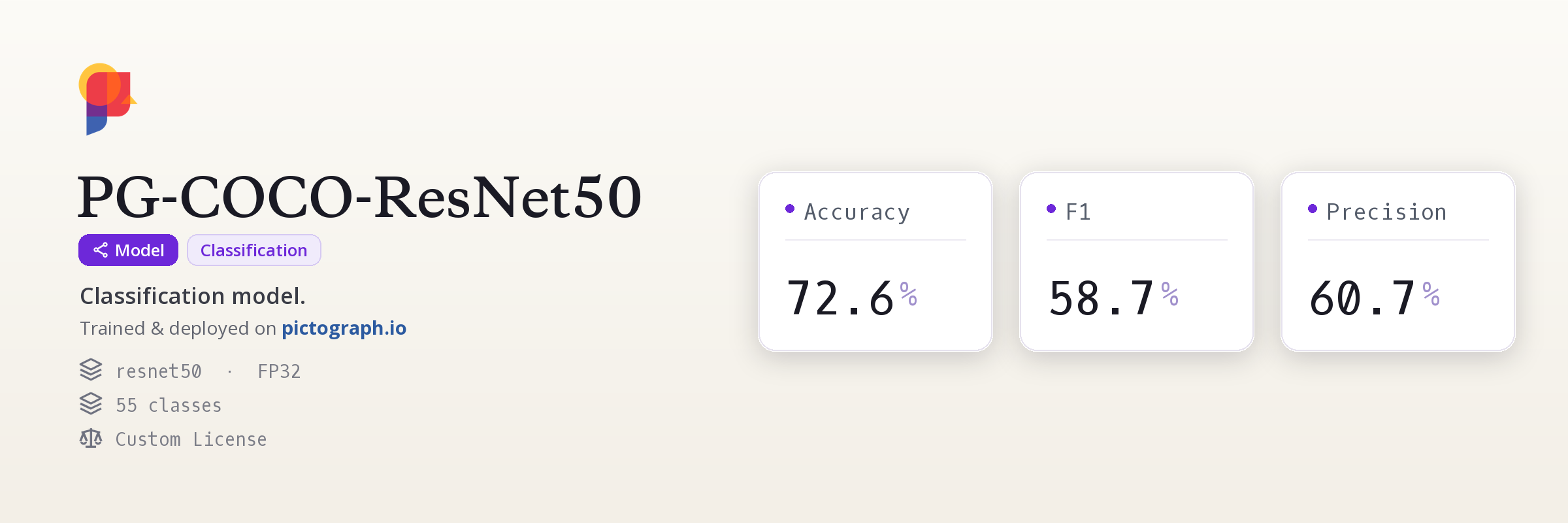
Headline: 72.6% Accuracy.
| Metric | Value |
|---|---|
| Accuracy | 72.6% |
| F1 | 58.7% |
| Precision | 60.7% |
| Recall | 59.5% |
Classes
Class index matches the model's output order.
| # | Class |
|---|---|
| 0 | skateboarding |
| 1 | skiing |
| 2 | bathroom |
| 3 | bird |
| 4 | frisbee |
| 5 | giraffe |
| 6 | soccer |
| 7 | teddy bear |
| 8 | elephant |
| 9 | vintage photo |
| 10 | bear |
| 11 | zebra |
| 12 | tennis |
| 13 | train |
| 14 | baseball |
| 15 | cat |
| 16 | dog |
| 17 | airplane |
| 18 | kitchen |
| 19 | kitesurfing |
| 20 | kite |
| 21 | boat |
| 22 | beach |
| 23 | surfing |
| 24 | horse |
| 25 | vase |
| 26 | livestock |
| 27 | bedroom |
| 28 | fruit |
| 29 | living room |
| 30 | market |
| 31 | motorcycle |
| 32 | portrait |
| 33 | clock |
| 34 | street |
| 35 | fire hydrant |
| 36 | bus |
| 37 | luggage |
| 38 | bench |
| 39 | pizza |
| 40 | office |
| 41 | electronics |
| 42 | child |
| 43 | video games |
| 44 | dining |
| 45 | formal wear |
| 46 | donut |
| 47 | dessert |
| 48 | meal |
| 49 | vegetables |
| 50 | cake |
| 51 | hot dog |
| 52 | street sign |
| 53 | stop sign |
| 54 | other |
Training
| Setting | Value |
|---|---|
| Base dataset | COCO-CLS-5k |
| Dataset size | 5,000 images |
| Input size | 448x448 |
| Epochs | 40 |
| Batch size | 32 |
| Precision | FP32 |
| Version | 1.0.0 |
Use this model
The weights ship as ONNX (pg-coco-resnet50.onnx) with a config.json. The Pictograph SDK applies the model's exact pre/post-processing for you:
Pictograph SDK
pip install "pictograph[inference]"
from huggingface_hub import hf_hub_download
from pictograph import load_model, ClassificationModel

onnx = hf_hub_download("pictograph/pg-coco-resnet50", "pg-coco-resnet50.onnx")
config = hf_hub_download("pictograph/pg-coco-resnet50", "config.json")

model: ClassificationModel = load_model(onnx, config, task="classification")
result = model.predict("photo.jpg")   # ClassificationResult
print("top:", result.top.name, round(result.top.confidence, 3))
for c in result.classes:               # ranked, highest first
    print(f"  {c.name} {c.confidence:.3f}")
Example output (illustrative; your exact values depend on the image):
top: skateboarding 0.972
  skateboarding 0.972
  skiing 0.021
Raw ONNX Runtime (no SDK)
from huggingface_hub import hf_hub_download
import onnxruntime as ort

onnx = hf_hub_download("pictograph/pg-coco-resnet50", "pg-coco-resnet50.onnx")
sess = ort.InferenceSession(onnx, providers=["CPUExecutionProvider"])
inp = sess.get_inputs()[0]
print(inp.name, inp.shape)   # NCHW float32; input size + normalization in config.json
# outputs = sess.run(None, {inp.name: preprocessed_batch})
# Decoding is architecture-specific; the Pictograph SDK (above) does it for you.
- Test it in-browser, call the hosted API, or deploy an endpoint: open the model on Pictograph.
- SDK + local inference guide: docs.
License
Non-commercial use only. Trained on COCO-CLS-5k, whose images are COCO's: the COCO Consortium does not own their copyright; each image comes from Flickr under its own license, recorded per image in COCO's annotation files, and most of them (68.9% of train2017) are Creative Commons NonCommercial. COCO's annotations are CC BY 4.0, the COCO Consortium. Cite Lin et al., Microsoft COCO: Common Objects in Context (ECCV 2014).
Trained and published with Pictograph - annotate, train, and deploy from one API.
- Downloads last month
- -
Dataset used to train pictograph/pg-coco-resnet50
Evaluation results
- Accuracy on COCO-CLS-5kself-reported0.727
- F1 on COCO-CLS-5kself-reported0.587
- Precision on COCO-CLS-5kself-reported0.607
- Recall on COCO-CLS-5kself-reported0.596