

Spark-X2.6-4B in two live web assistants: share what you are building

Spark-X2.6-4B is running in two live web assistants. These short recordings show English questions, actual model replies, and the thinking-level controls available to visitors.
Try the apps, then share a demo of your own Spark-X2.6 application in the comments. Longer case write-ups are welcome too—post them on Hugging Face and drop the link here.
Astron Harness Tutorial: Learning Assistant
Open the learning assistant · Source repository
This bilingual tutorial assistant helps visitors explore AStudio, Loomy and AstronClaw. It uses relevant tutorial material as context for the conversation.
Question: “Plan mode vs Goal mode in AStudio? Two short sentences, no Markdown.”
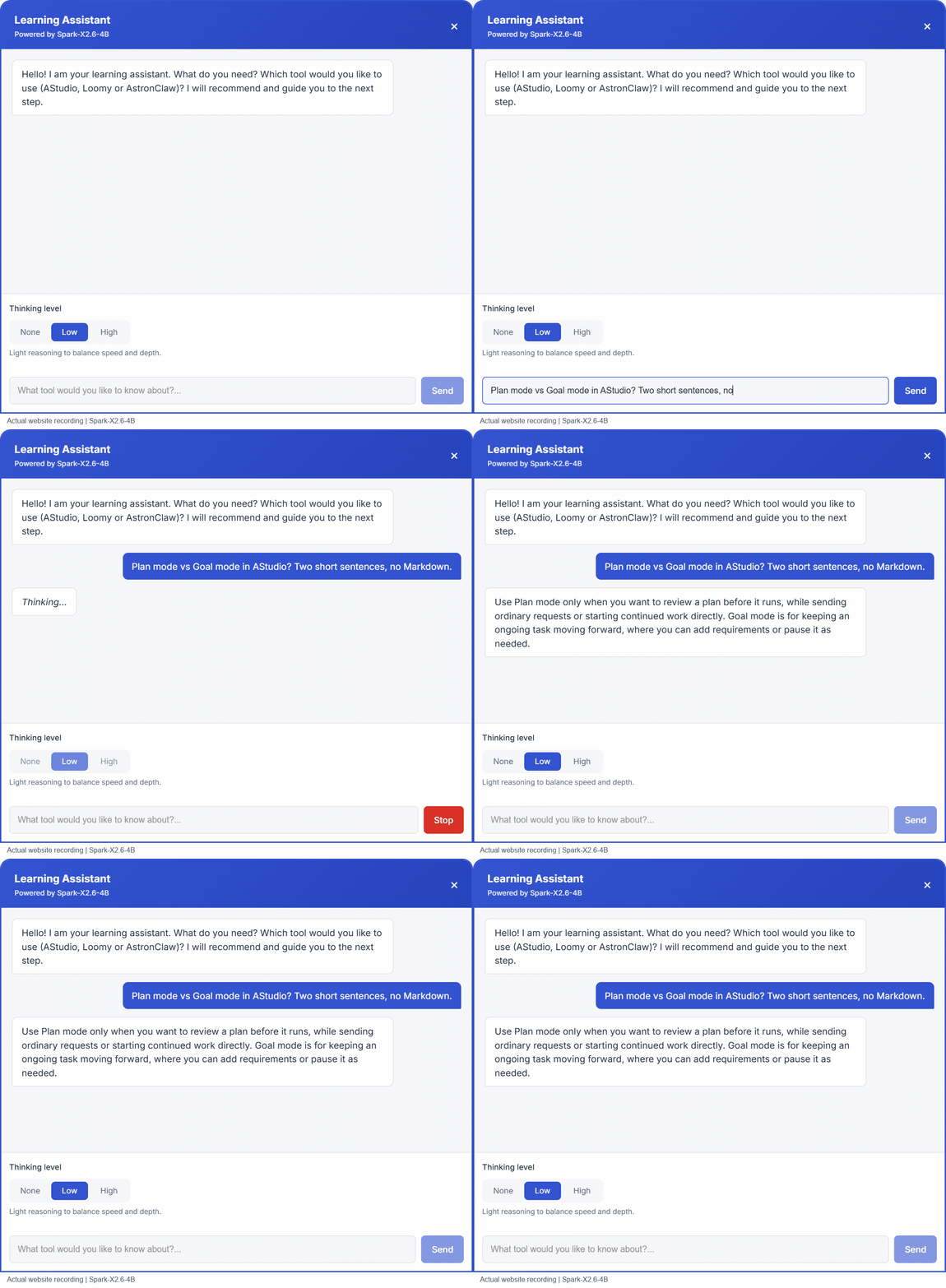
The recording shows the assistant explaining when to review a plan before execution and when to use Goal mode for continued progress. The interface offers None, Low and High thinking levels and remembers the visitor's selection.
Awesome Astron Workflow: AI Chat
This assistant answers questions about Astron projects and capabilities using the site's reference material.
Question: “How can SkillHub help a team reuse AI skills? Give 3 benefits in under 60 words.”
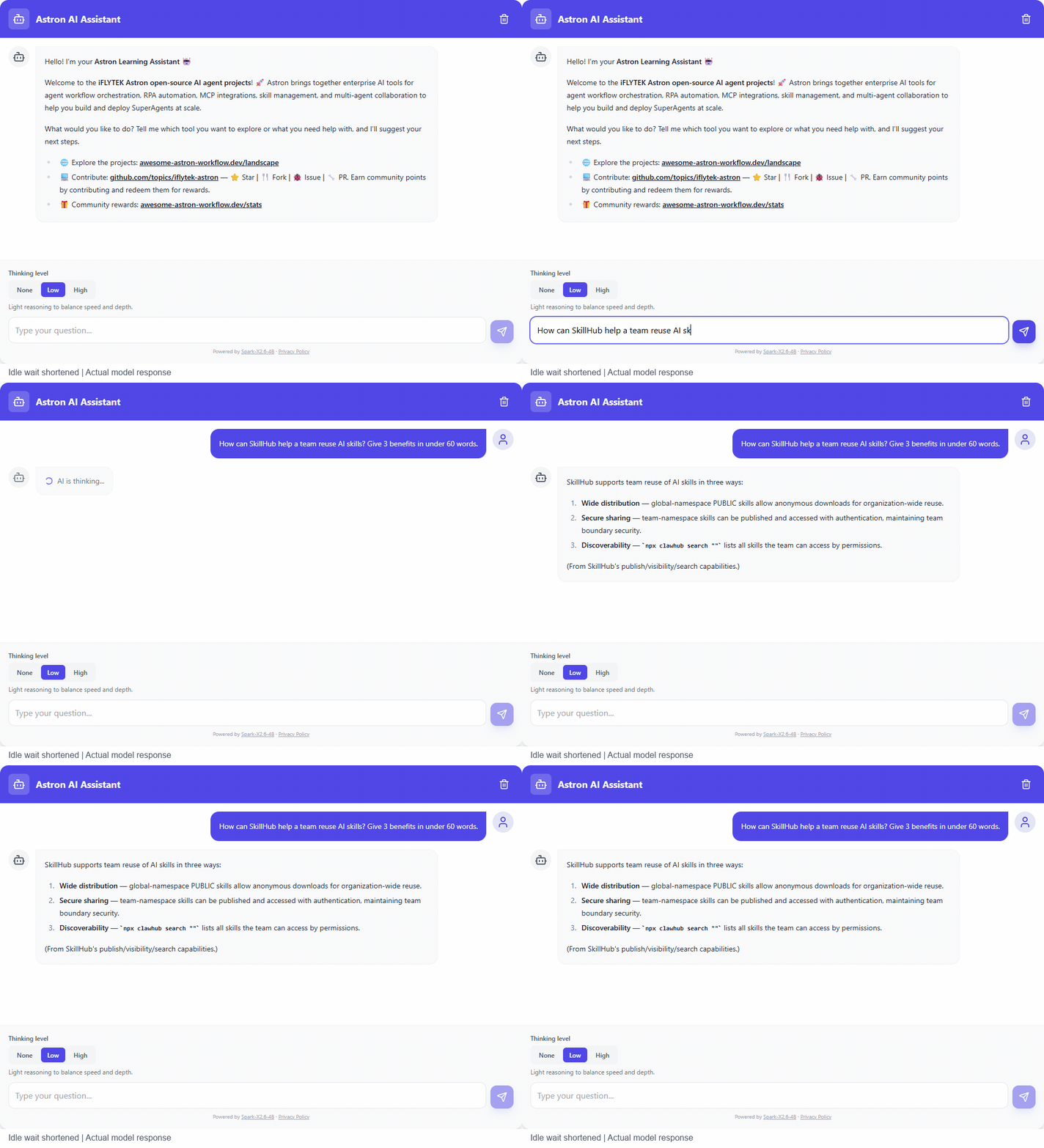
The recorded reply discusses skill distribution, secure sharing and discoverability. Both the question and the answer remain as they appeared in the application.
Integration details
Both applications call spark-x2.6-4b through iFLYTEK Astron MaaS, with credentials kept on the server. The browser sends the conversation and selected thinking level to the application's backend. These demos use Low.
The server maps the controls to the model request:
| Selection | Request behavior |
|---|---|
| None | Disable extra thinking |
| Low | Enable thinking with low reasoning effort |
| High | Enable thinking with high reasoning effort |
The tutorial assistant supports streaming replies and stopping an answer. The clips show the website Q&A experience: typing a question, waiting for the model and reading the response.
About the recordings
These are real website recordings, and the responses have not been rewritten or simulated. The AI Chat GIF shortens pure waiting time and labels that edit. The full-length MP4 links retain the complete captures. These clips illustrate application integration; they are not latency benchmarks.
Share your Spark-X2.6 case
What are you building with Spark-X2.6? Share a working demo or screenshot in the comments. For a longer Hugging Face write-up, useful details include your use case, model variant, deployment stack, prompt, thinking level, integration approach and what you learned.