


DM05
Collection
Dexmal's next-generation Vision-Language-Action model (VLA) for open-world robot control. • 3 items • Updated • 3
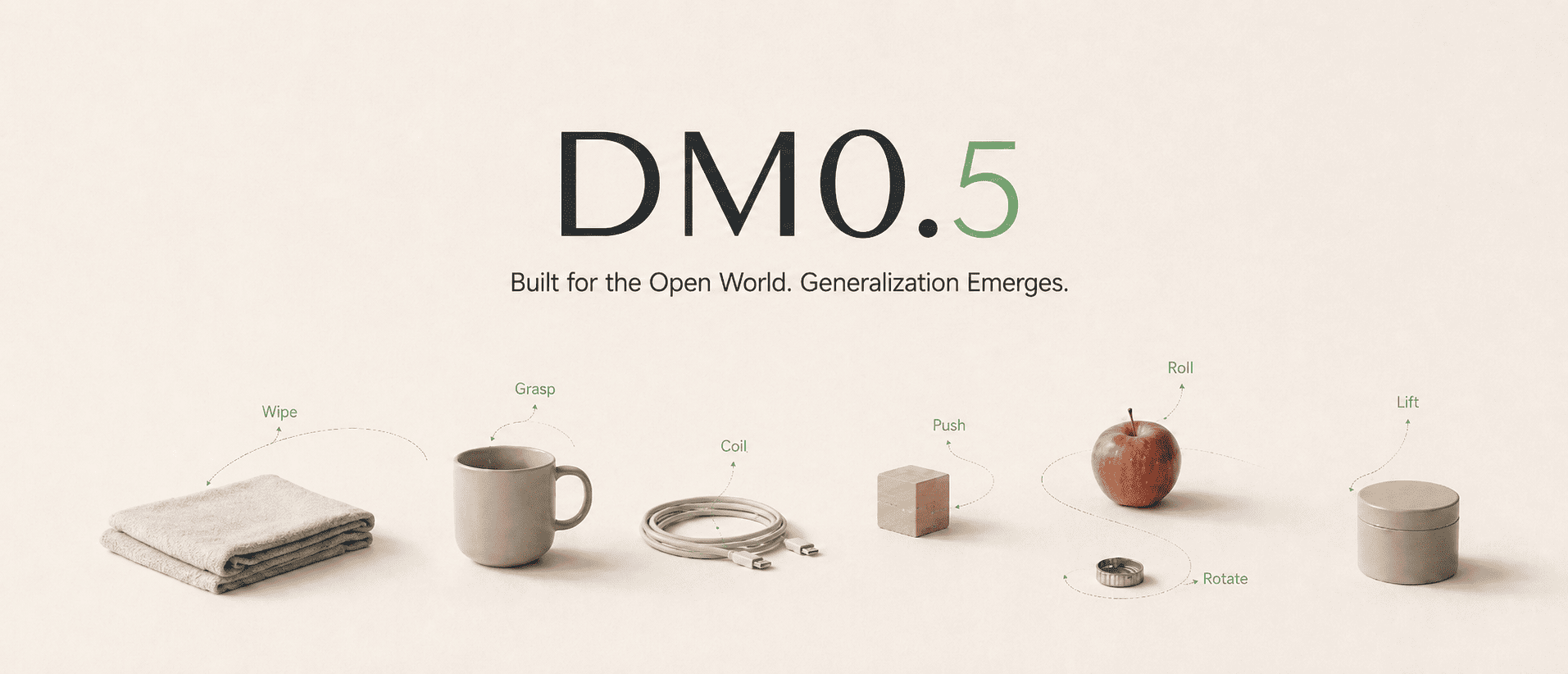




DM05-robotwin2 is the RoboTwin 2.0 fine-tuned generalist checkpoint of DM0.5, Dexmal's open-world Vision-Language-Action foundation model for embodied intelligence. DM0.5 uses a Gemma3 4B vision-language backbone with a 680M Action Expert to generate continuous robot actions, and is designed for natural-language manipulation, zero-shot generalization, efficient downstream fine-tuning, long-horizon historical context, robust policy behavior, and transfer across robot embodiments.
This checkpoint controls the ALOHA bimanual embodiment using three RGB camera views and generates 14-dimensional joint-position action chunks.
| Method | Clean | Randomized | Average |
|---|---|---|---|
| DM0.5 | 93.6 | 93.3 | 93.5 |
We recommend using Docker to set up the runtime environment first, which helps avoid version mismatches across CUDA, PyTorch, flash-attn, and other dependencies on the host machine.
System requirements:
Ubuntu 20.04 / 22.04
NVIDIA GPU
NVIDIA Driver
Docker
NVIDIA Container Toolkit
Conda (optional, only required for local pip installation)

Recommended GPUs:
A100, H100, H20
32 GPUs are recommended for training, and 1 GPU is sufficient for deployment inference.
git clone https://github.com/dexmal/opendm.git
cd opendm

docker run -it --rm --gpus all --network host \
  --name opendm \
  --shm-size=16g \
  -v "$PWD":/app/opendm \
  -w /app/opendm \
  dexmal/opendm:latest /bin/bash

# Run from the OpenDM repository root inside the container.
conda activate opendm
pip install -e .
conda create -n opendm python=3.10 -y
conda activate opendm

pip install torch torchvision \
  --index-url https://download.pytorch.org/whl/cu128

pip install ninja packaging
MAX_JOBS=2 pip install flash-attn --no-build-isolation

# Enter the OpenDM repository root.
cd opendm
pip install -e .
Use the RoboTwin 2.0-specific experiment configuration when evaluating this checkpoint. The inference service and benchmark client run separately and communicate over HTTP. When possible, use one GPU for the inference service and another for benchmark evaluation.
For the complete data preparation, training, inference, and evaluation workflow, see the DM05 RoboTwin 2.0 Training and Evaluation Guide.
Run this command from the OpenDM repository root. The checkpoint must contain
the matching norm_stats.json.
script/dm05_launcher.sh \
  --exp playground/dm05_robotwin2.py \
  --task inference \
  --nproc_per_node 1 \
  --model-config.model-name-or-path ./checkpoints/DM05-robotwin2-bf16 \
  --model-config.chunk-size 50 \
  --inference-config.output-action-dim 14 \
  --inference-config.image-keys images_1 images_2 images_3 \
  --inference-config.port 7891
Keep the service running while executing the benchmark.
git clone https://github.com/dexmal/dexbotic-benchmark.git
cd dexbotic-benchmark
git submodule update --init --recursive RoboTwin
docker pull dexmal/dexbotic_benchmark
RoboTwin 2.0 also requires its assets, object-data texture library, and embodiment files. Follow the RoboTwin installation guide to download them before starting evaluation.
Edit evaluation/configs/robotwin2/adjust_bottle.yaml so that base_url
points to the inference service:
# Basic experiment configuration (keep unchanged)
policy_name: dexbotic
task_name: adjust_bottle
task_config: demo_clean
ckpt_setting: dexbotic
seed: 0
instruction_type: seen

# Add Parameters You Need
base_url: http://localhost:7891
output_dir: ./result_test/robotwin2_evaluation
cameras: "head_camera_rgb,left_camera_rgb,right_camera_rgb"
action_horizon: 50
action_mode: absolute
Important configuration fields:
task_name: one of the 50 RoboTwin 2.0 tasks. Each task is evaluated
independently.task_config: use demo_clean for the Clean setting and demo_randomized
for the Randomized setting.base_url: address of the running DM0.5 inference service. For a remote
service, use http://<SERVER_IP>:7891.cameras: keep the head, left-wrist, and right-wrist camera order so it
matches images_1, images_2, and images_3 on the inference service.action_horizon: number of actions executed per model request. It must match
the model chunk size of 50.output_dir: root directory for success-rate files and rollout videos.action_mode: absolute for absolute joint positions, relative for relative joint positionsThe benchmark evaluates 100 episodes for the selected task and setting. To reproduce the aggregate Clean and Randomized scores, evaluate all 50 tasks under both settings and average their success rates.
From the dexbotic-benchmark repository root, set ROBOTWIN_ASSETS to the
absolute path of the downloaded assets and run:
ROBOTWIN_ASSETS=/absolute/path/to/robotwin/assets

docker run --rm --gpus all --network host \
  -v "$ROBOTWIN_ASSETS":"$ROBOTWIN_ASSETS" \
  -v "$ROBOTWIN_ASSETS":/app/assets \
  -v "$ROBOTWIN_ASSETS":/app/RoboTwin/assets \
  -v "$PWD/evaluation":/app/evaluation \
  -v "$PWD/scripts":/app/scripts \
  -v "$PWD/result_temp":/app/result_temp \
  -e NVIDIA_DRIVER_CAPABILITIES=compute,utility,graphics \
  dexmal/dexbotic_benchmark \
  bash scripts/env_sh/robotwin2.sh \
  evaluation/configs/robotwin2/adjust_bottle.yaml
Evaluation artifacts are written under the configured output_dir, grouped by
task, setting, and timestamp:
<output_dir>/<task_name>/<task_config>/<timestamp>/
├── _result.txt
└── *.mp4
_result.txt contains the success rate for the selected task and setting. When
video logging is enabled by the RoboTwin task configuration, rollout videos are
saved in the same timestamp directory.
We will continue to release more model weights, technical documentation, and examples. If this project is helpful to you, please consider giving us a star on GitHub 
@misc{dm05,
    title  = {{DM0.5}: An Open-World Foundation Model for General-Purpose Embodied Intelligence},
    author = {{Dexmal Team}},
    month  = {July},
    year   = {2026},
    url    = {https://www.dexmal.com/blog/dm0.5/index_en.html}
}
Base model
Dexmal/DM05