


DM05
Collection
Dexmal's next-generation Vision-Language-Action model (VLA) for open-world robot control. • 4 items • Updated • 4
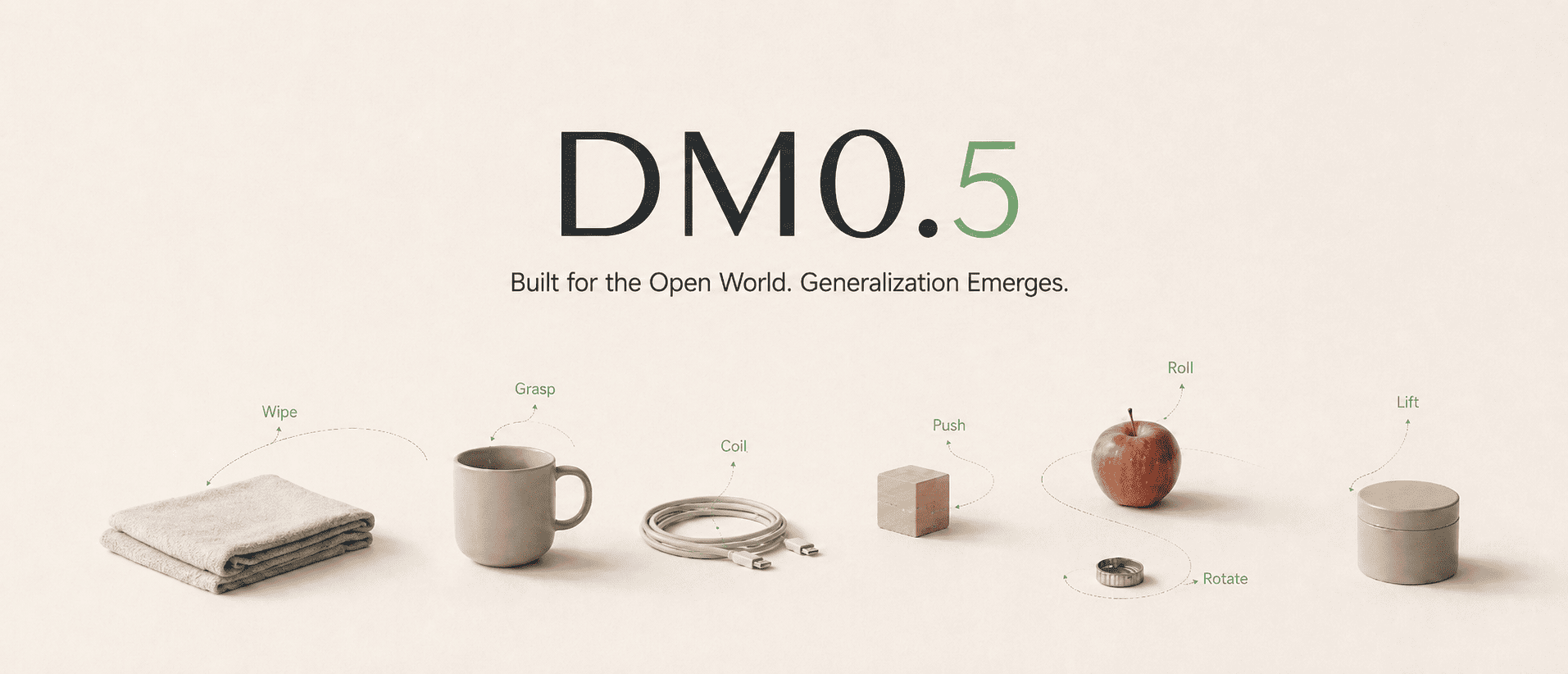



DM05-SO101-Pick-Cube is the SO101 fine-tuned checkpoint of DM0.5, Dexmal's open-world Vision-Language-Action foundation model for embodied intelligence. DM0.5 uses a Gemma3 4B vision-language backbone with a 680M Action Expert to generate continuous robot actions, and is designed for natural-language manipulation, zero-shot generalization, efficient downstream fine-tuning, long-horizon historical context, robust policy behavior, and transfer across robot embodiments.
This checkpoint is specifically trained for the SO101 pick cube task using LoRA fine-tuning.
We recommend using Docker to set up the runtime environment first, which helps avoid version mismatches across CUDA, PyTorch, flash-attn, and other dependencies on the host machine.
System requirements:
Ubuntu 20.04 / 22.04
NVIDIA GPU
NVIDIA Driver
Docker
NVIDIA Container Toolkit
Conda (optional, only required for local pip installation)

Recommended GPUs:
RTX 4090, A100, H100, H20
8 GPUs are recommended for training, and 1 GPU is sufficient for deployment inference.
git clone https://github.com/dexmal/opendm.git
cd opendm

docker run -it --rm --gpus all --network host \
  --name opendm \
  --shm-size=16g \
  -v "$PWD":/app/opendm \
  -w /app/opendm \
  dexmal/opendm:latest /bin/bash

# Run from the OpenDM repository root inside the container.
conda activate opendm
pip install -e .
conda create -n opendm python=3.10 -y
conda activate opendm

pip install torch torchvision \
  --index-url https://download.pytorch.org/whl/cu128

pip install ninja packaging
MAX_JOBS=2 pip install flash-attn --no-build-isolation

# Enter the OpenDM repository root.
cd opendm
pip install -e .
Use the SO101-specific experiment configuration when running inference with this checkpoint. Run this command from the OpenDM repository root:
script/dm05_launcher.sh \
  --exp playground/dm05_so101_lora.py \
  --task inference \
  --nproc_per_node 1 \
  --model-config.model-name-or-path ./checkpoints/DM05-SO101-Pick-Cube \
  --model-config.chunk-size 50 \
  --inference-config.output-action-dim 6 \
  --inference-config.image-keys images_1 images_2 \
  --inference-config.port 7891
For the complete training and inference workflow, see the DM05 SO101 LoRA Training Guide.
We will continue to release more model weights, technical documentation, and examples. If this project is helpful to you, please consider giving us a star on GitHub 
@misc{dm05,
    title  = {{DM0.5}: An Open-World Foundation Model for General-Purpose Embodied Intelligence},
    author = {{Dexmal Team}},
    month  = {July},
    year   = {2026},
    url    = {https://www.dexmal.com/blog/dm0.5/index_en.html}
}
Base model
Dexmal/DM05