

DRAMA AI expression editor for video
DRAMA edits visible facial expressions in existing videos. Add a smile, create a sadder or angrier expression, and adjust excitement with intensity controls.
Free demo and API: videos up to 15 seconds, with 5 generations per day. Demo outputs are watermarked. Model weights remain private.
Try the demo · Free API quickstart · Examples · Model documentation · Usage terms
Upload a clip with one clearly visible, front-facing person, choose an expression and generate an edited MP4. Review the result against the original before use.
Before and after
Choose a clip and play the original and edited versions side by side.
| Original video | Edited with DRAMA |
|---|---|
| 01 · Outdoor interview · Neutral expression to warm smile | |
| 02 · Talking head · Serious expression to friendly smile | |
| 03 · Studio presenter · Neutral expression to smile | |
| 04 · Home vlog · Neutral expression to smile | |
4 more examples
| Original video | Edited with DRAMA |
|---|---|
| 05 · Street portrait · Serious expression to subtle smile | |
| 06 · Outdoor portrait · Smile to bigger smile | |
| 07 · Webinar host · Neutral expression to smile | |
| 08 · Explainer to camera · Neutral expression to smile | |
See facial expression editing in action
Watch DRAMA edit visible facial expressions in existing footage, then compare the results with the original clips.
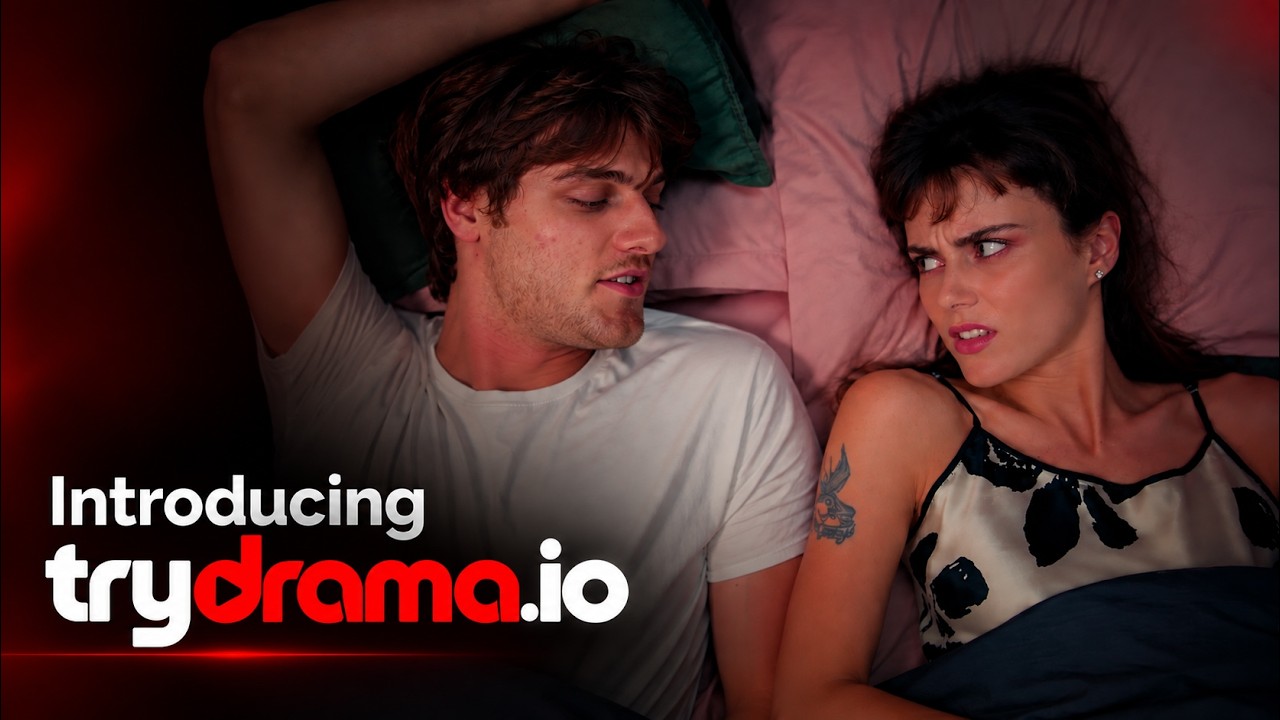
| DRAMA demo: edit facial expressions in any video | Before and after: change expressions with DRAMA |
|---|---|
 |
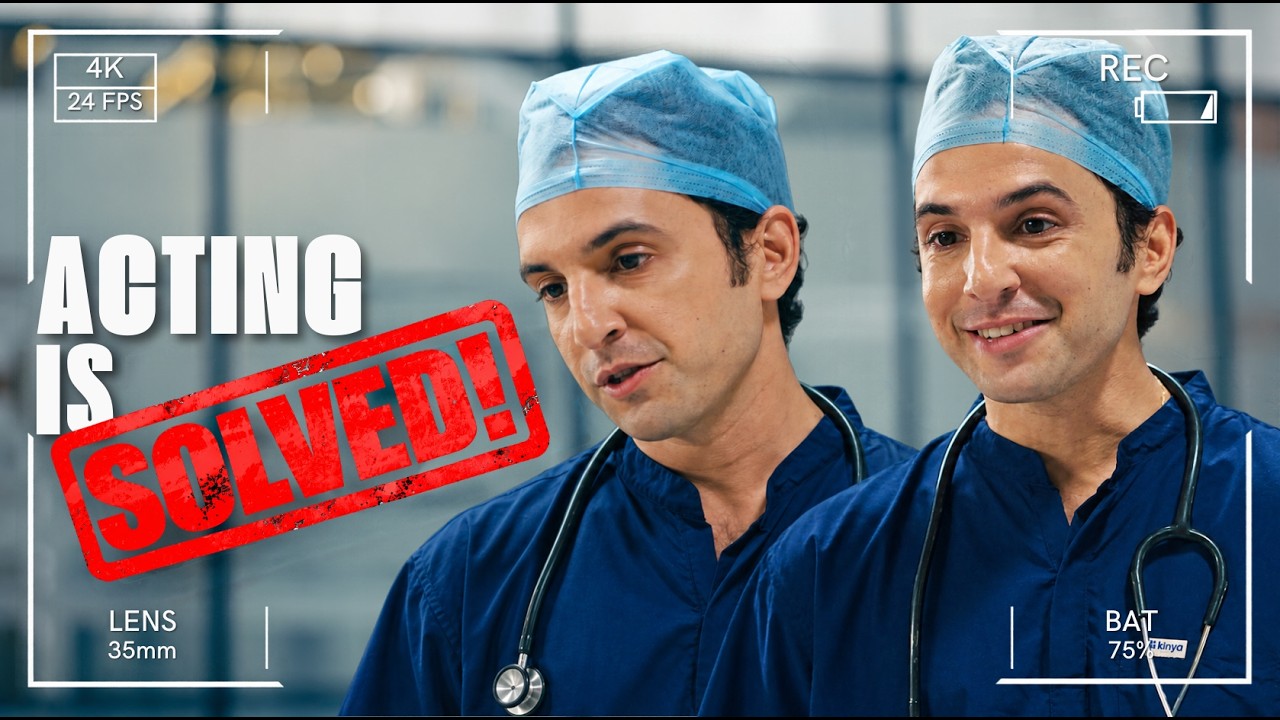 |
| A walkthrough of choosing an expression and generating an edited clip. Watch on YouTube | Original takes next to the same takes with an edited expression. Watch on YouTube |
Build with the DRAMA expression editing API
Add facial expression editing to your video workflow. Send a supported clip, set the expression controls, and retrieve the edited video. Start free with videos up to 15 seconds and 5 generations per day. Model weights remain private.
Start here: Free API quickstart · Full reference: docs.drama.syncmonster.ai
Free API quickstart
This is the same request the demo Space sends. Every request needs your API key in the x-api-key header. Keep the key on your server, never in client-side code.
BASE="https://studio.syncmonster.ai/neuralgarage/saas/api/v1/clients"

# 1. Create a job. One-step mode: DRAMA finds and selects the face itself.
curl -X POST "$BASE/v2/generate" \
  -H "x-api-key: $DRAMA_API_KEY" \
  -F skip_find_face=1 -F is_drama=true \
  -F video=@clip.mp4 -F audio=@clip.wav \
  -F 'drama_params={"happy":0.9,"excited":0.3}'
# -> top-level "status" is "success" (or "created"); the job ID is in data.request_id

# 2. Poll until data.status is "Success" (or "failed")
curl "$BASE/get-status?request_id=REQUEST_ID" -H "x-api-key: $DRAMA_API_KEY"

# 3. Download the edited video (Content-Type: video/mp4)
curl "$BASE/get-file?request_id=REQUEST_ID" -H "x-api-key: $DRAMA_API_KEY" -o drama.mp4
While the job is still running, /get-file returns JSON with status: "in_progress" instead of a video, so poll /get-status first. To pick one face in a multi-face video, use the two-step flow (/v2/find-face, then /v2/generate with find_face_id and global_face_id); see the API docs.
Errors. Failed requests return an error code:
| Code | Meaning |
|---|---|
ERR_004 |
No face was detected in the video |
ERR_006 |
Not enough credits or allowance for the request |
ERR_007 |
The uploaded file is corrupted or invalid |
ERR_008 |
Unsupported file type (accepted: .mp4, .mov, .mp3, .wav) |
ERR_009 |
The video is longer than the allowed limit |
ERR_003 |
Internal server error; retry later |
Inputs and outputs
| Video input | .mp4 or .mov. The demo accepts MP4 clips up to 15 seconds |
| Audio input | Required by the API as a separate .mp3 or .wav file. The demo sends the clip's own soundtrack |
| Faces | Clips with one clearly visible, front-facing person work best. One face is edited per job |
| Output | An MP4 file (video/mp4). Scenes without the selected face are passed through without generation |
| Demo outputs | Re-encoded as H.264 MP4 and watermarked with the trydrama.io logo |
Controls
Send controls as a JSON object in drama_params. Each is a float from 0 to 1 that sets intensity.
| Parameter | Range | Effect |
|---|---|---|
happy |
0 to 1 | Smile. Inversely related to sad, so send one or the other (the demo never sends both) |
sad |
0 to 1 | Sadness |
excited |
0 to 1 | Excitement |
angry |
0 to 1 | Anger |
The demo's presets map to these values (the demo's "Sadness to smile" control sends happy above 0 and sad below 0):
| Preset | drama_params |
|---|---|
| Subtle smile | {"happy": 0.35} |
| Big smile | {"happy": 0.9, "excited": 0.3} |
| Sadness | {"sad": 0.8} |
| Excitement | {"happy": 0.4, "excited": 0.9} |
| Anger | {"excited": 0.3, "angry": 0.9} |
Limitations
- Jobs with no detectable face fail with
ERR_004. - Results can be weaker when the face is small in frame, turned far from the camera, or partly covered.
- One face is edited per job. The demo is designed for clips with one clearly visible person.
- Results vary by clip. Review each output against the original before use.
- No public benchmark results are published yet.
Pricing
Paid API usage is billed in credits per second of video: face detection 0.5 credits/s and drama 1 credit/s. See current plans.
Access and rights
- API use is governed by the Terms of Use, including commercial use.
- Model weights are private and not distributed. This repository contains documentation and examples only; the
license: othertag refers to the API terms, not an open license. - Data: uploads and account data are handled under the Privacy Policy.
Model overview
| Developer | NeuralGarage Pvt. Ltd., Bengaluru. SyncMonster and DRAMA are products of NeuralGarage |
| Model type | Hosted video-to-video model for editing facial expressions |
| Access | Private model with a free hosted demo and API. Weights are not published |
| Training data | Not disclosed |
| Evaluation | No public benchmark results yet; see the examples above |
| Support | Contact the DRAMA team |
Intended uses: adjusting a performance in post-production, matching a facial expression to dubbed or re-recorded dialogue, and producing creative or marketing variants of the same take.
Out of scope: footage of people who have not given permission, and presenting an edited expression as an unaltered recording or to deceive. See the Terms of Use.
How it works:
- Scene detection splits the video into shots.
- Face detection finds the faces in each scene.
- Generation edits the expression on the selected face. Scenes without that face pass through without generation.
- Export merges the scenes back into one MP4.
FAQ
What is DRAMA?
DRAMA is an AI expression editor for videos and images. It changes facial expressions in any footage, with presets and intensity controls for smiles, sadness, excitement, anger and more.
Can I change facial expressions online for free?
Yes. Try the DRAMA demo or API for free with videos up to 15 seconds and 5 generations per day. Demo outputs are watermarked. See the API docs for authentication and output details.
How do I change a facial expression in a video?
Upload an MP4 video up to 15 seconds with one clearly visible, front-facing person. Choose an expression preset, adjust the intensity if needed, and select Generate edited video. Preview the result and download the edited MP4.
How do I add a smile to a video with AI?
Upload your clip and choose Subtle smile or Big smile. Use the sadness to smile control to adjust the strength, then generate a preview and compare it with the original.
Is there an API?
Yes. The DRAMA API docs are at docs.drama.syncmonster.ai. See the free API quickstart on this page for a request example, supported controls, authentication and the output format. The model weights remain private.
Which expressions can I edit?
The demo includes smile, sadness, excitement and anger controls. Start with a preset or open Custom controls to adjust the available settings. Results depend on the input footage and selected intensity.
Can DRAMA work as an AI mood changer?
DRAMA can change the apparent mood of a performance by editing visible facial expressions, such as a smile or a sadder look. It does not measure a person's actual feelings.
Does DRAMA change anything else in the video?
DRAMA aims to edit the expression while preserving the person and scene, so compare the result with the original. Demo outputs include a watermark; see Inputs and outputs for output details.
Can I edit one person in a group video?
The demo is designed for clips with one clearly visible person. For selecting a face in group footage, explore DRAMA Studio and its current feature availability.
Does DRAMA work on photos?
The demo focuses on videos. For photo expression editing, explore DRAMA Studio and its current access options.
Can I download the model weights?
DRAMA is a private model. You can use its hosted demo and API within the published limits; the model weights are not publicly available for download.
What footage should I use?
Use footage you have the right to edit, with permission from the people shown. For the demo, start with one clearly visible person. Review each result before publishing and avoid presenting an edited expression as an unaltered recording.
What happens to my uploaded video?
Your video is sent to the DRAMA service to generate the edited clip. When you sign in to the demo, it also records your Hugging Face profile (username, name, email, profile link and picture), your visits, and the settings and outcome of each generation. How uploads and this data are handled and kept is set out in the Privacy Policy.
How long does a generation take?
Generation time varies with the clip and service load. The demo shows processing status and the time taken for your completed request.
DRAMA by SyncMonster is an AI facial expression editor for video. Try the demo or use the API to change visible expressions in existing footage. © 2026 NeuralGarage Pvt. Ltd., Bengaluru · Demo · Free API docs · DRAMA Studio · Privacy · Terms · Support