

Ultima — installers
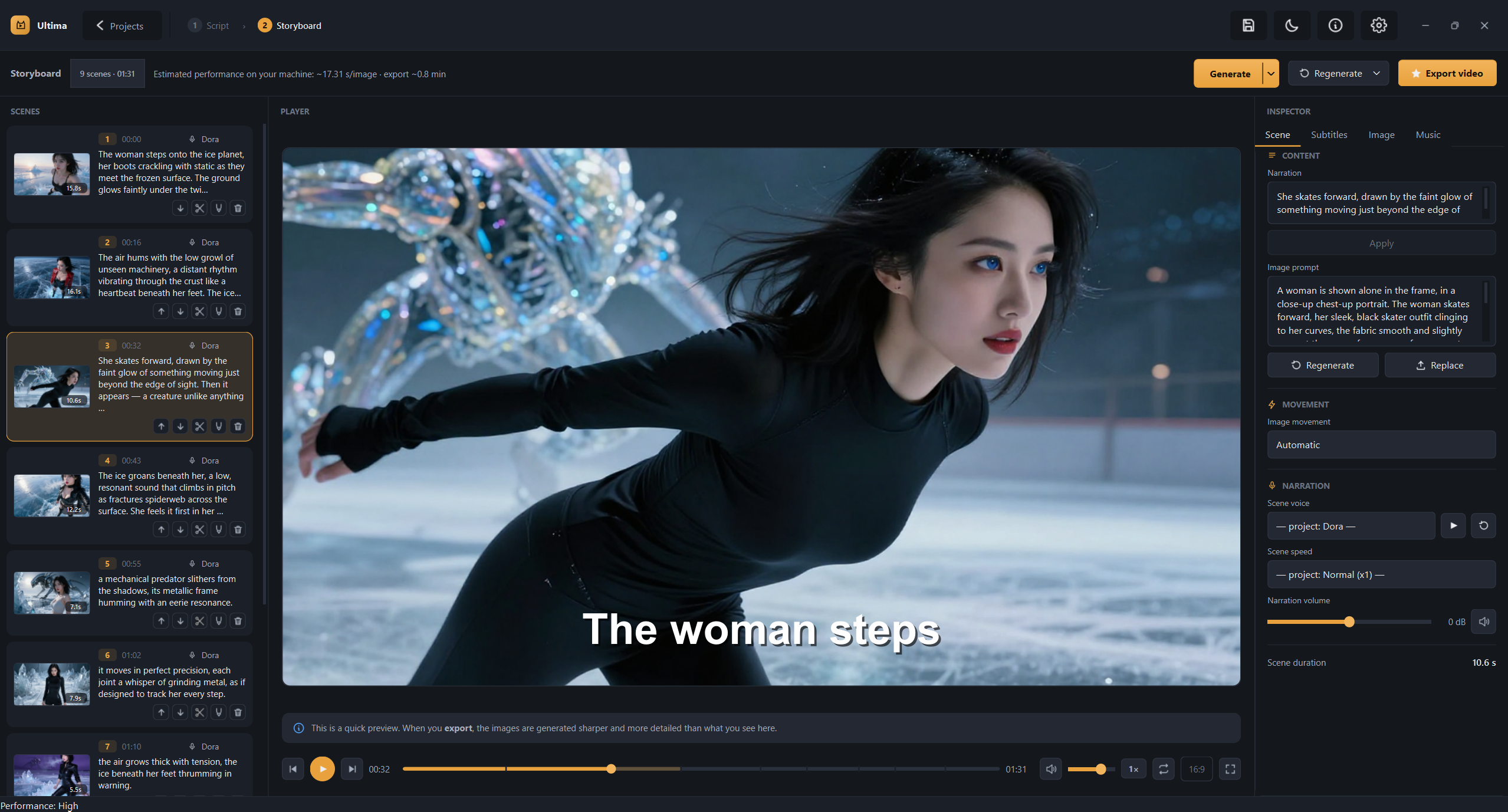
Windows installers for Ultima, a local text-to-video app: script in, narrated video out, images generated by AI, nothing rendered in the cloud. Full description, screenshots, and system requirements: github.com/ddlara01/ultima-beta.
Installers live here instead of GitHub Releases because they're over 2 GB.
Files
Ultima-Setup-X.Y.Z.exe— full installer, current versionUltima-Delta-A.B.C-a-X.Y.Z.exe— incremental update, only works if you already have version A.B.C installed. The app picks this automatically when it applies; only grab it by hand if you know what you're doing.- Every
.exehas a matching.exe.sha256next to it
Verify before running
Get-FileHash Ultima-Setup-X.Y.Z.exe -Algorithm SHA256
The output should match the corresponding .sha256 file. version.json (in the GitHub repo above) is signed with an offline Ed25519 key the app checks before trusting any update, so this manual check is an extra precaution, not strictly required if you got the file through the app itself.
Windows will show an "unknown publisher" warning on install (SmartScreen) — there's no code-signing certificate yet. Click "More info" → "Run anyway".
Older versions get removed from this repo once a new one ships; only the current release stays here.