

Dataset Viewer
The dataset viewer is not available for this dataset.
The JWT signature verification failed. Check the signing key and the algorithm.
Error code:   JWTInvalidSignature
Exception:    InvalidSignatureError
Message:      Signature verification failed
Traceback:    Traceback (most recent call last):
                File "/src/libs/libapi/src/libapi/jwt_token.py", line 286, in validate_jwt
                  decoded = jwt.decode(
                      jwt=token,
                  ...<2 lines>...
                      options=options,
                  )
                File "/usr/local/lib/python3.14/site-packages/jwt/api_jwt.py", line 368, in decode
                  decoded = self.decode_complete(
                      jwt,
                  ...<8 lines>...
                      leeway=leeway,
                  )
                File "/usr/local/lib/python3.14/site-packages/jwt/api_jwt.py", line 265, in decode_complete
                  decoded = self._jws.decode_complete(
                      jwt,
                  ...<3 lines>...
                      detached_payload=detached_payload,
                  )
                File "/usr/local/lib/python3.14/site-packages/jwt/api_jws.py", line 270, in decode_complete
                  self._verify_signature(
                  ~~~~~~~~~~~~~~~~~~~~~~^
                      signing_input,
                      ^^^^^^^^^^^^^^
                  ...<4 lines>...
                      options=merged_options,
                      ^^^^^^^^^^^^^^^^^^^^^^^
                  )
                  ^
                File "/usr/local/lib/python3.14/site-packages/jwt/api_jws.py", line 417, in _verify_signature
                  raise InvalidSignatureError("Signature verification failed")
              jwt.exceptions.InvalidSignatureError: Signature verification failed
Need help to make the dataset viewer work? Make sure to review how to configure the dataset viewer, and open a discussion for direct support.
Developer Reference Datasets
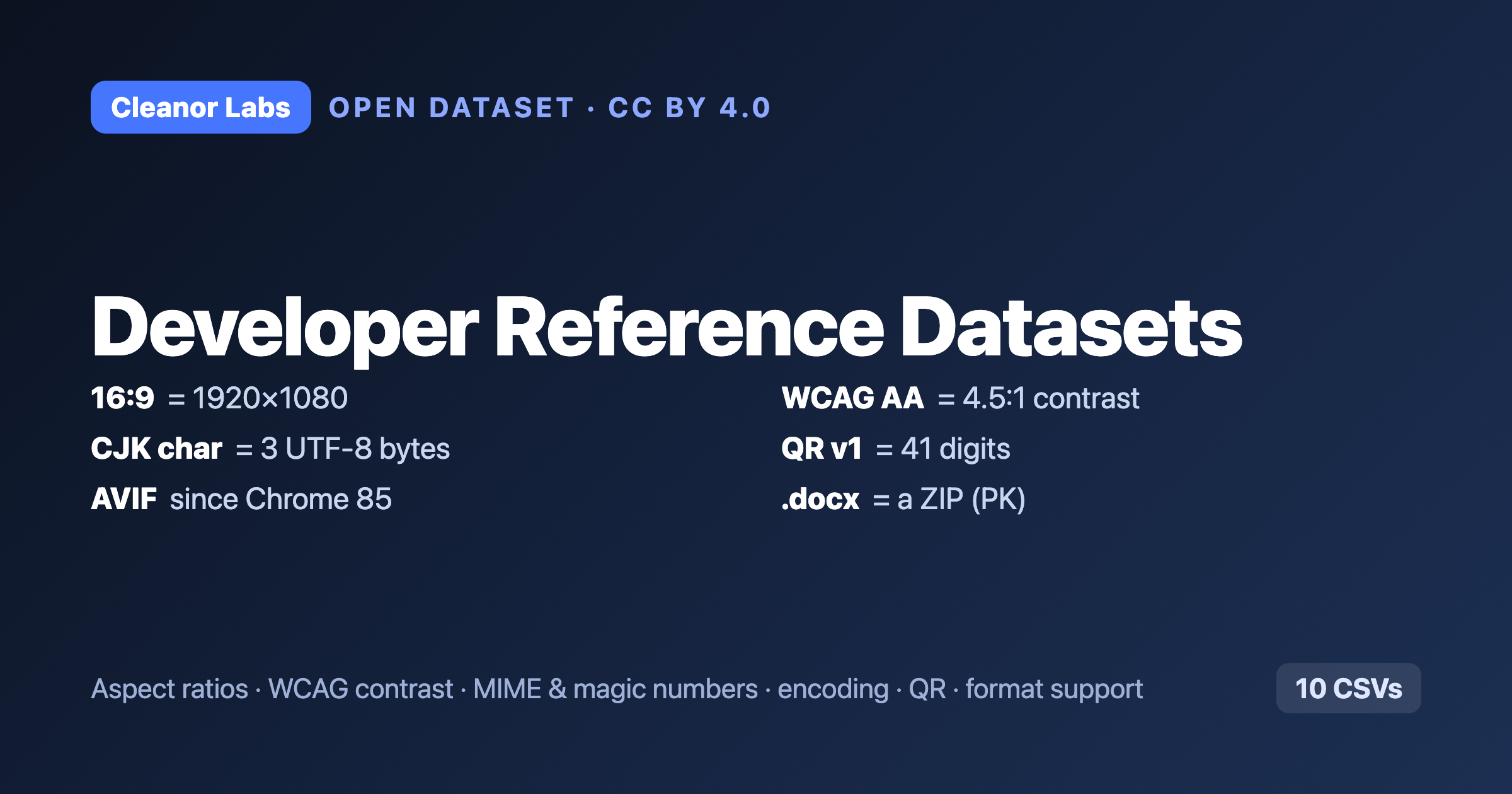
Open, reproducible lookup tables that web and app developers reach for constantly — computed from first principles, not scraped, so every value is exact and re-runnable. CC BY 4.0.
Quick answers (straight from the data)
- What is 16:9 in pixels? 1920×1080, 1280×720, 3840×2160. 9:16 (Stories, Reels, TikTok) is those flipped. →
aspect-ratios,resolutions - What contrast ratio does WCAG require? 4.5:1 for normal text (AA), 3:1 for large, 7:1 for AAA.
#6b7280on white is 4.83 (passes AA);#9ca3afis 2.54 (fails). →wcag-contrast-pairs,wcag-on-white-black - How many bytes is a character? In UTF-8: Latin 1, accented/Greek/Cyrillic 2, CJK 3, most emoji 4 (a flag emoji is 8 bytes / 2 code points). →
encoding-sizes - What is the MIME type / magic number of a file? Extension → MIME type + byte signature, with the offset (RIFF/ISO-BMFF/tar signatures are not at byte 0, which most lists get wrong).
.docxis a ZIP (PK). →file-types - How many characters fit in a QR code? A version-1 QR holds 41 digits / 25 alphanumeric / 17 bytes at ECC level L; up to 7,089 digits at version 40. Computed from ISO/IEC 18004, verified. →
qr-code-capacity - Which browsers support AVIF / WebP / JPEG XL? AVIF is fully supported since Chrome 85, Firefox 93, Safari 16.4; JPEG XL is fully supported nowhere. →
image-format-support - Plus favicon/app-icon sizes per platform and current social-media image sizes (date-stamped).
Why it's trustworthy
These are exact answers from the spec, not measurements. An aspect ratio, a WCAG contrast ratio, a UTF-8 byte count and a QR capacity are computable — so the CSVs are computed and re-runnable, and checkable against any online tool.
- Cite: DOI 10.5281/zenodo.21369536 (concept DOI, all versions, CC BY 4.0, Cleanor Labs)
- Code + methodology: https://github.com/cleanor-app/developer-reference-datasets
- Human-readable write-ups: https://cleanor.app/research/open-datasets
- License: CC BY 4.0 (attribution to Cleanor Labs).
- Downloads last month
- 10