

MiniMax-H3-Image Community License
These weights are a modified distribution of MiniMax-H3-Image, licensed under the MiniMax-H3-Image Community License Agreement and its Acceptable Use Policy. The licence excludes the European Union, the United Kingdom, the Republic of Korea and the United States of America from its territory; use there requires separate authorization from MiniMax (https://platform.minimax.io/license). Access is approved automatically.
By requesting access you agree to the MiniMax-H3-Image Community License Agreement (LICENSE in this repository) and its Acceptable Use Policy, and you confirm that you will not use the weights or their outputs outside the licence's Applicable Territory unless MiniMax has authorized you to.
Log in or Sign Up to review the conditions and access this model content.
MiniMax-H3-Image for MLX (bf16)

MiniMax-H3-Image for Apple Silicon. It does text-to-image and image editing with a 33B model, at up to ~16 MP, in 6 steps. Runner: felix-ab/minimax-h3-image-mlx. Unofficial and not affiliated with MiniMax. Powered by MiniMax-H3-Image.
| Download | 94 GB |
| Memory | 5 GB at 2048×2048, 15 GB at 4736×3552 |
| Time (M4 Pro Mac mini, 48 GB) | 3 min at 2048×2048, 17 min at 4736×3552 |
These are the original bf16 weights, not quantized, in MLX format. They are read from disk one transformer block at a time.
Usage
Accept the licence on this page, then:
pip install git+https://github.com/felix-ab/minimax-h3-image-mlx
hf auth login
minimax-h3-mlx @prompt.txt --size 4736x3552 --seed 42 -o out.png
minimax-h3-mlx @edit.txt --image ref.png --size 4096x4096 --seed 1234 -o edit.png
The second command edits ref.png; the prompt refers to it as <Picture 1>. The model expects long, detailed
English prompts (examples). Sizes under 4 MP are generated at 4 MP and scaled
down, as in MiniMax's pipeline.
Accuracy
- float32: output matches the PyTorch reference (diffusers / transformers) to within 3e-5 after 6 steps.
- bf16: output differs from the reference about as much as PyTorch's own bf16 backends differ from each other.
- Seeds: they match MiniMax's pipeline. Their published seed-42 example gives the same image (left: MiniMax, right: this port).

Full measurements: VALIDATION.md.
Why there is no 8-bit version
On an M4 Pro it gave the same image quality but ran slower: 218 s against 193 s at 2048×2048. Unless streamed, it also needed 27 GB of memory. Its only advantage would be a smaller download. For quantized weights, see mlx-vlm, which supports MiniMax-H3-Image at 8-bit and 4-bit.
Examples
Generated at ~16 MP with this repository and shown downscaled. The prompts are in examples.
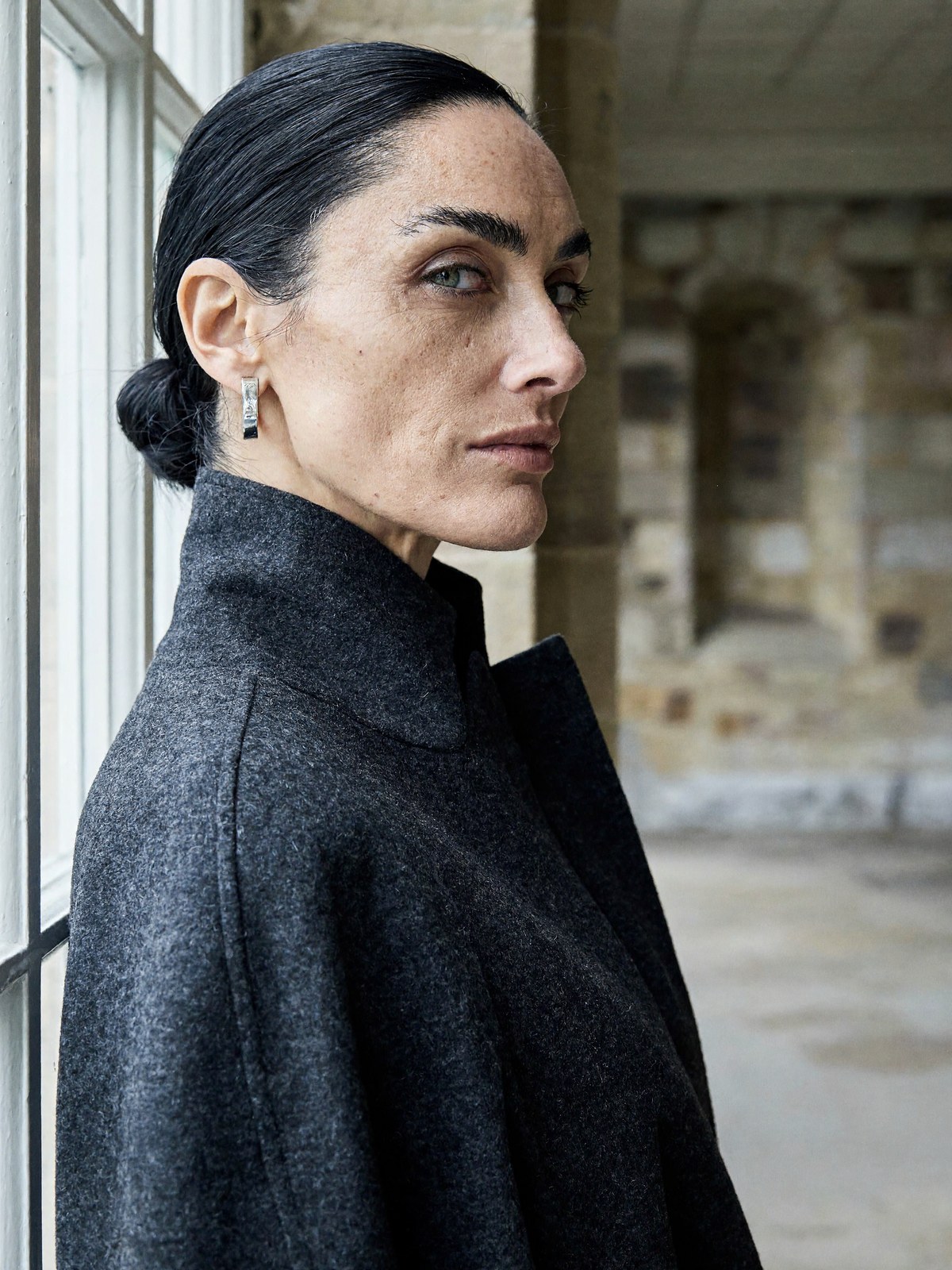 |
 |
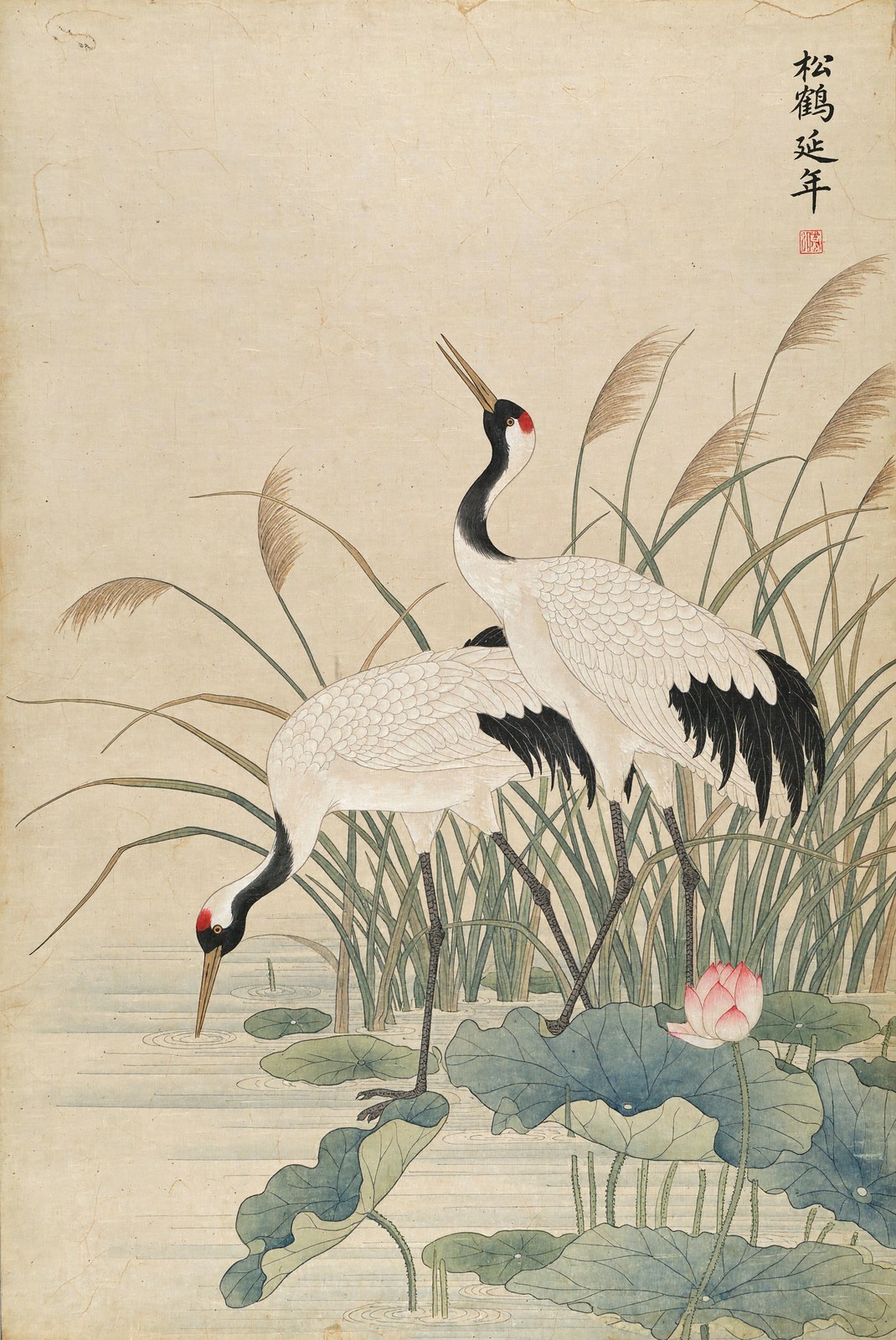 |
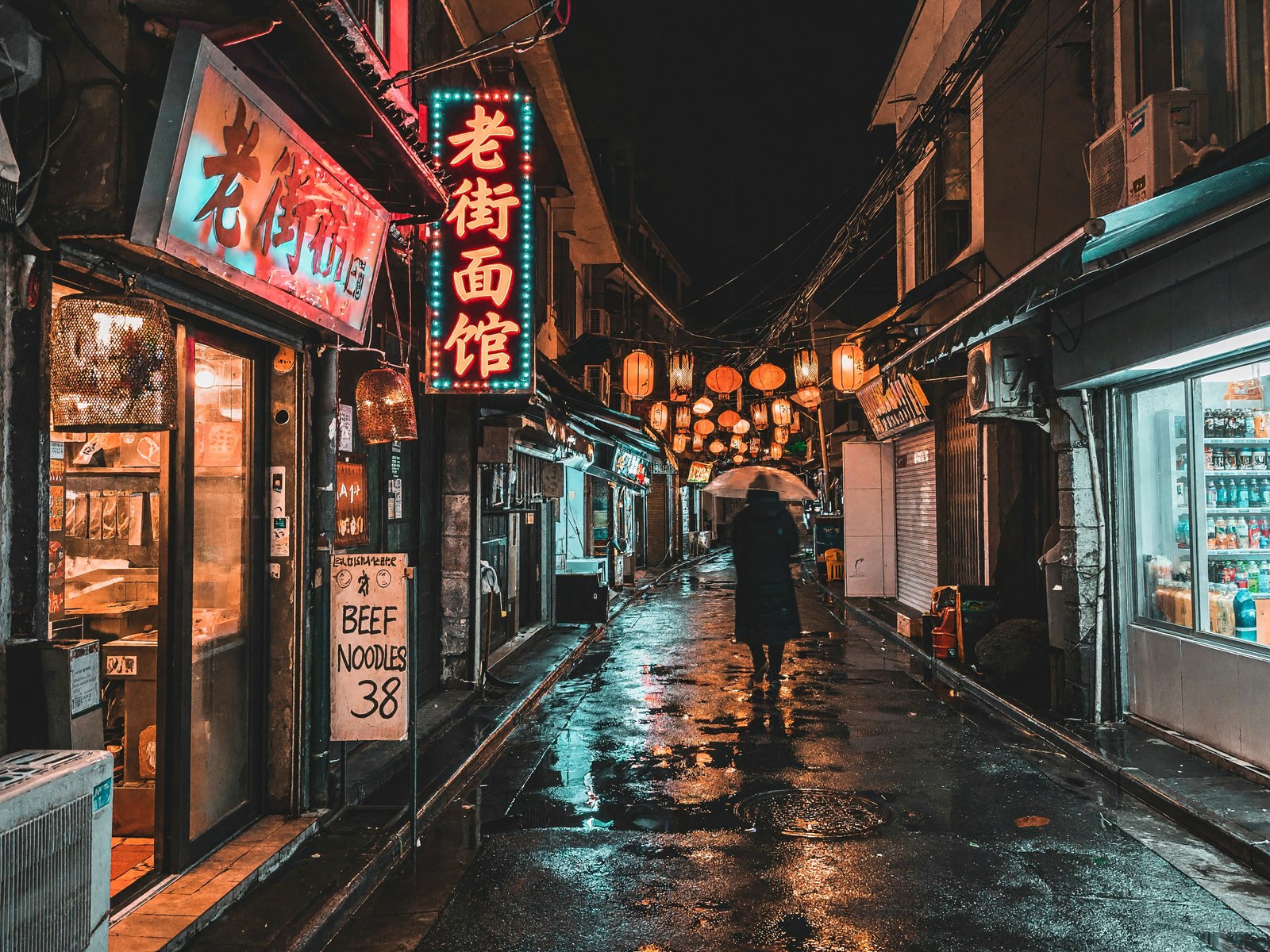 |
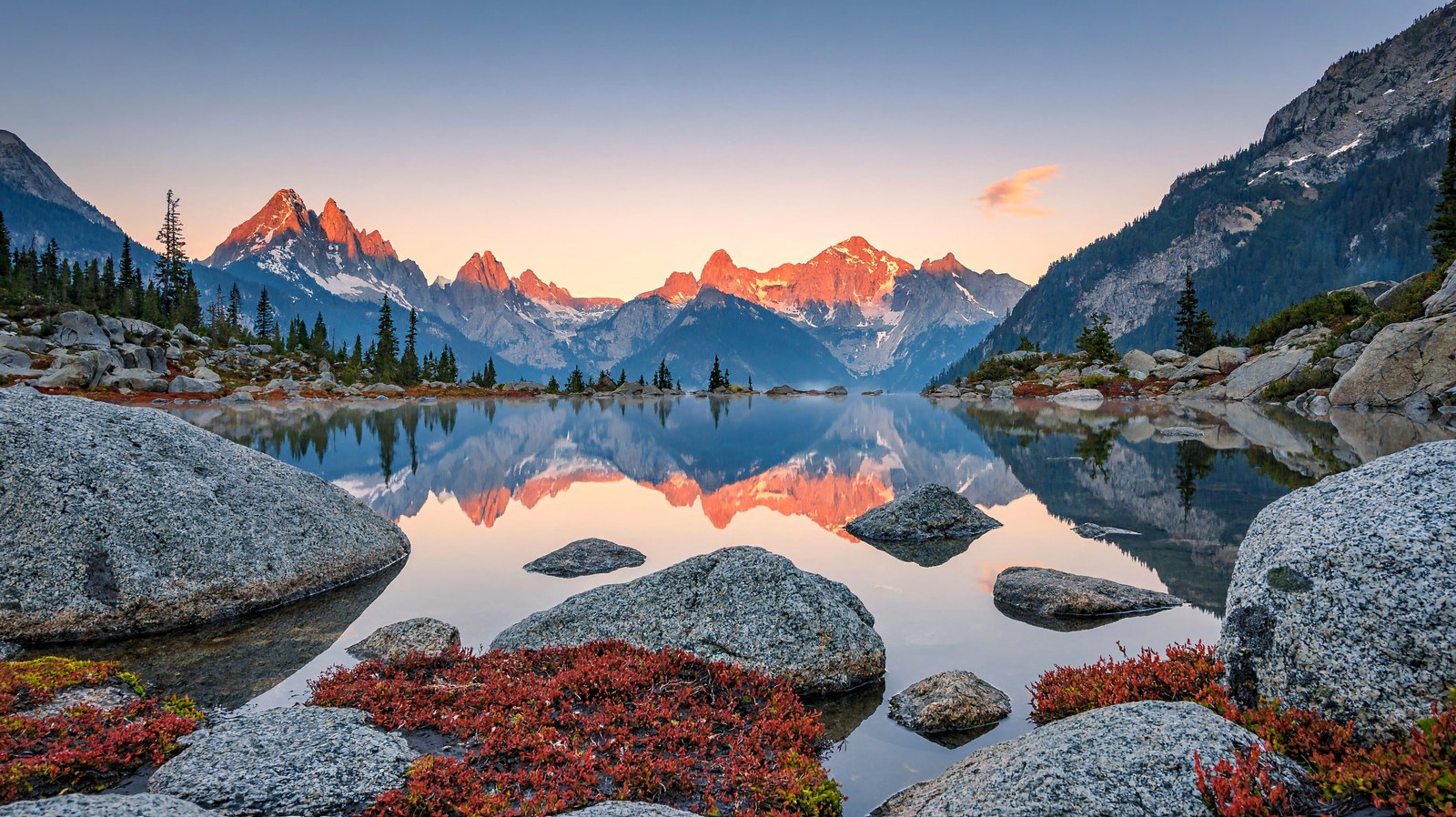 |
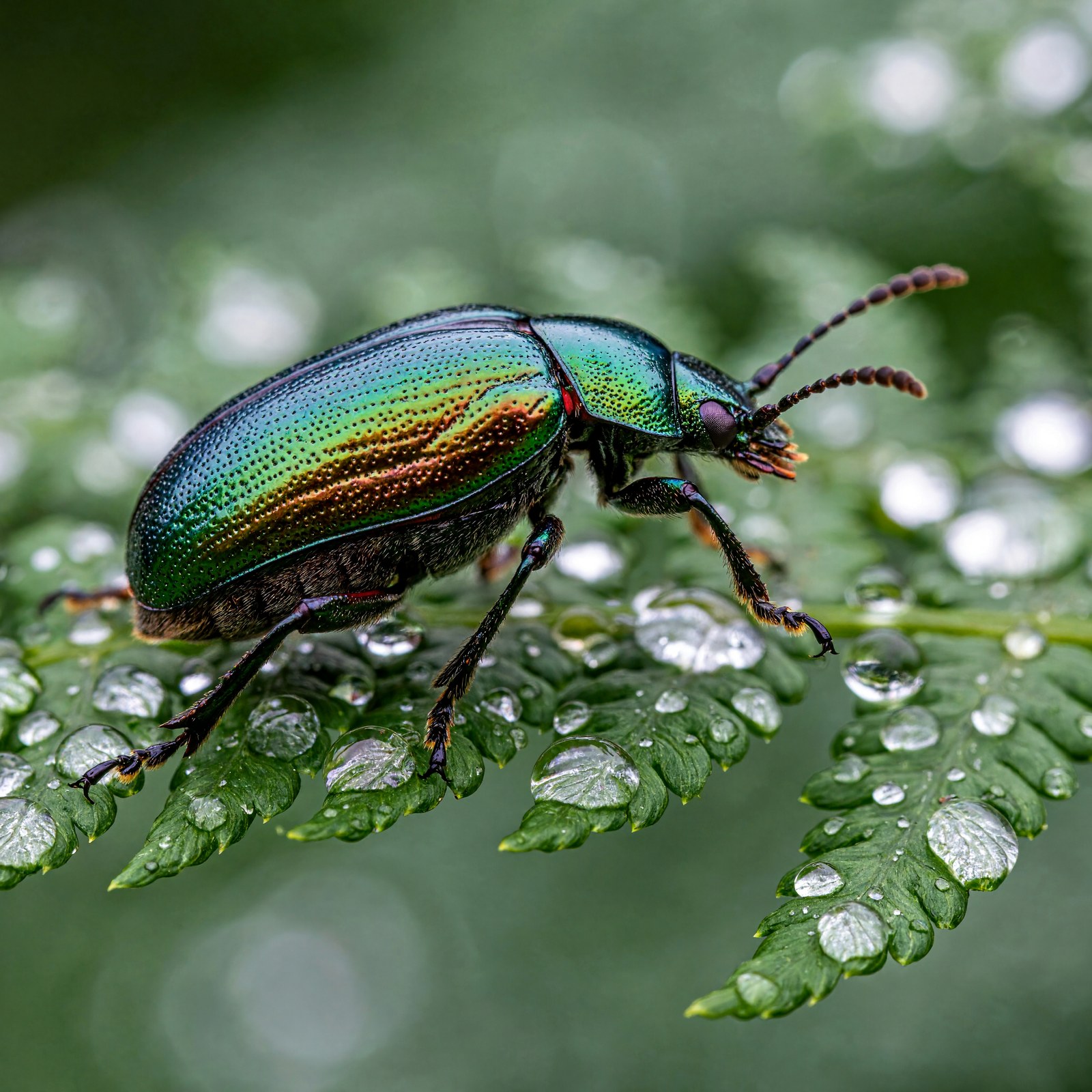 |
Changes from the original files
- The transformer and text encoder are split into one file per block or layer.
- Each block's AdaLN projection is replaced by its precomputed output for the 7 timesteps the sampler uses. The results are identical.
- The text encoder ends after layer 49; the model only reads
hidden_states[50]. - The VAE and tokenizer are unchanged.
Source: MiniMaxAI/MiniMax-H3-Image@492fd8c.
Licence
MiniMax-H3-Image Community License Agreement, including its Acceptable Use Policy and territorial restrictions. The example images are AI-generated.
- Downloads last month
- 6
Quantized