

Video Translator: translated subtitles and AI voiceover
Video Translator helps turn a spoken video into translated subtitles and, optionally, a new AI voiceover. It is intended for product demonstrations, screen recordings, lessons and conversations that need another language version.
This repository documents an external hosted service. It contains no model weights, checkpoints or inference code. Processing takes place on videotranslator.online; this is not a model you can download or run through Hugging Face Inference Providers.
Open Video Translator · Watch translation examples · Check the free preview
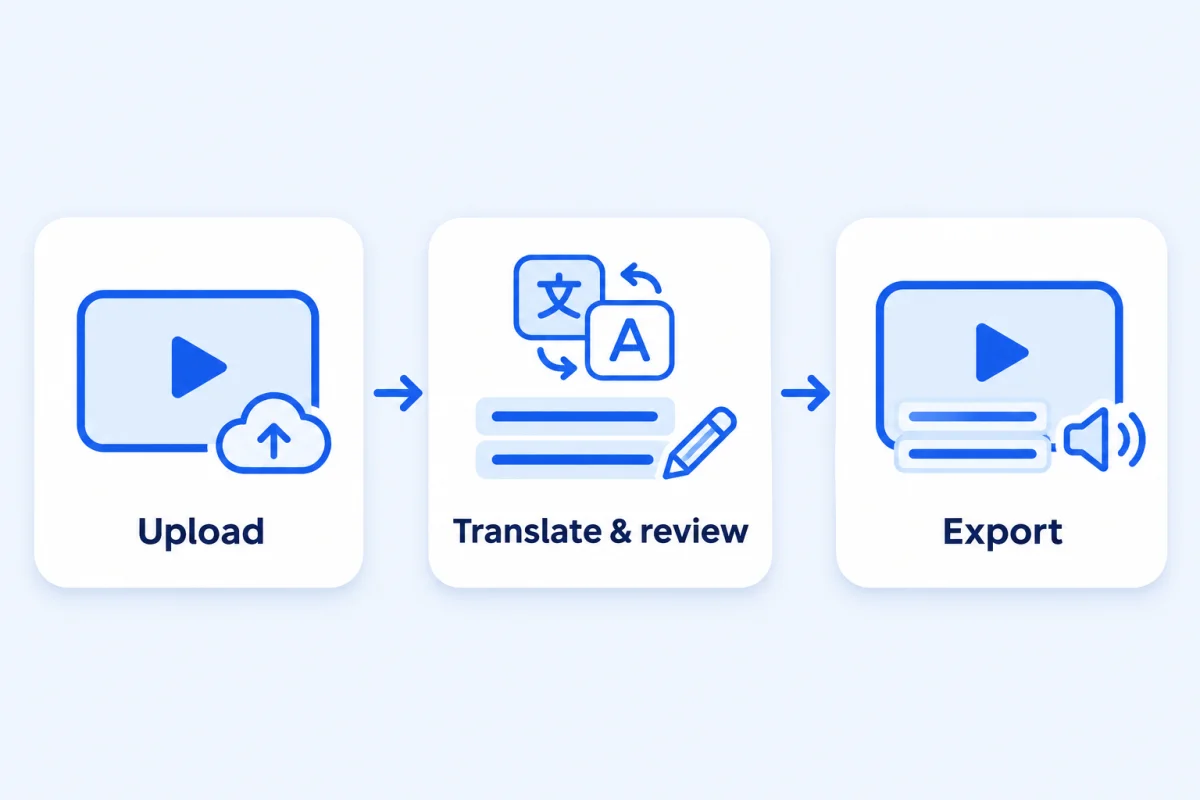
Product workflow illustration. For actual video outputs, use the examples linked above.
What the service does
The service detects the source language from spoken audio and lets you choose a target language. Its current interface lists 57 target languages and 10 synthetic voice options. You can compare the original transcript with translated text, correct individual lines and review the result before export.
There are two audio choices. Subtitles only retains the original audio. Subtitles + voiceover replaces the entire original audio track with synthetic speech, including any original music or ambient sound. Voice cloning and background-music separation are not included.
For an interview or conversation, enable speaker detection and subtitle review. Check the resulting speaker labels, correct misassigned turns and assign voices yourself. Detection does not infer gender, and assigning a voice does not reproduce a person's identity or speaking style.
Input and output
Upload a local video with audible speech. Supported formats listed by the service include MP4, MOV, WebM, MKV, AVI, MPEG, FLV and M4V. The picture remains unchanged in content: translation does not replace labels, slides or subtitles already visible in the image. Start with a clean source when possible.
A free preview covers up to 10 seconds from an audible excerpt, at up to 480p, without a watermark. No account or payment is required for that preview; human verification is required. It is a way to assess a short section, not a free full-video export.
Paid full-video exports provide an MP4 plus SRT and VTT subtitle files and original and translated TXT transcripts. Paid plans list 1080p output and uploads up to 60 minutes and 10 GB per file. Check the editor's expected dimensions before exporting; the small demonstration videos on the examples page are not evidence that every source is full HD.
A practical review workflow
- Choose your source video and check that its speech is audible. Select the target language.
- Decide whether to preserve the original sound or use a new synthetic voice. Listen to the voice samples if dubbing is selected.
- Enable review before export. For dialogue, also enable speaker detection and inspect each speaker's assigned voice.
- Read source and translated text together. Correct names, model numbers, measurements and instructions before generating the final version.
- Play the result with sound. Inspect the first sentence, speaker changes and closing sentence; reading subtitles alone cannot verify pronunciation.
- Download the video and any subtitle or transcript files you need. Keep local copies instead of treating the service as permanent storage.
For example, a product demonstration might distinguish a customer's requested quantity from a supplier's minimum order. Keeping both numbers is insufficient if the translation swaps their roles. Write down quantities, units and conditions before reviewing the translated dialogue.
Examples and their limits
The examples page includes a phone-stand introduction translated into several languages, a fictional product-details clip, a two-speaker discussion and a screen walkthrough. The people and product scenes are AI-generated; the translated clips are outputs of the service's workflow. They are demonstrations, not customer testimonials.
Some examples cover a full 15-second source, exceeding the free preview allowance. The walkthrough uses earlier website screenshots and AI narration, so the live interface is the reference for current controls. Any processing time attached to an example describes that run only and is not a general speed guarantee.
Credits, availability and retention
The pricing page lists subscriptions starting at US$9.90 per month and one-time credit packs. Full translations use one credit per source second, rounded up, for one target language. A 10-minute source therefore uses 600 credits; translating it into another language is another conversion. Check the displayed cost before starting.
Source files expire after 24 hours, and paid results are available for seven days from task creation according to the current pricing page. Download your work promptly. Prices, limits and availability can change; this introduction was checked against public pages on November 9, 2026.
Questions before you start
Does it translate text already printed in the video?
This workflow translates speech. Existing text in the picture remains visible, including burned-in captions. Use a clean original to avoid overlapping captions.
Can I choose the source language manually?
The service detects it from audio. There is no manual source-language override in the documented workflow. Review mixed-language and unclear speech carefully.
Can I use the subtitle files elsewhere?
Paid exports include SRT and VTT files for compatible editors and players. Check timing against the exact video version you will publish, particularly after trimming or editing.
Where do I try it?
Use the online video translator or read the guide to translating video into English. This card is maintained for the product; it is not an independent review or a Hugging Face endorsement.