


HDR-GS: Efficient High Dynamic Range Novel View Synthesis at 1000x Speed via Gaussian Splatting
Paper • 2405.15125 • Published • 8






High dynamic range · Exposure control · Gaussian splatting · Novel view synthesis
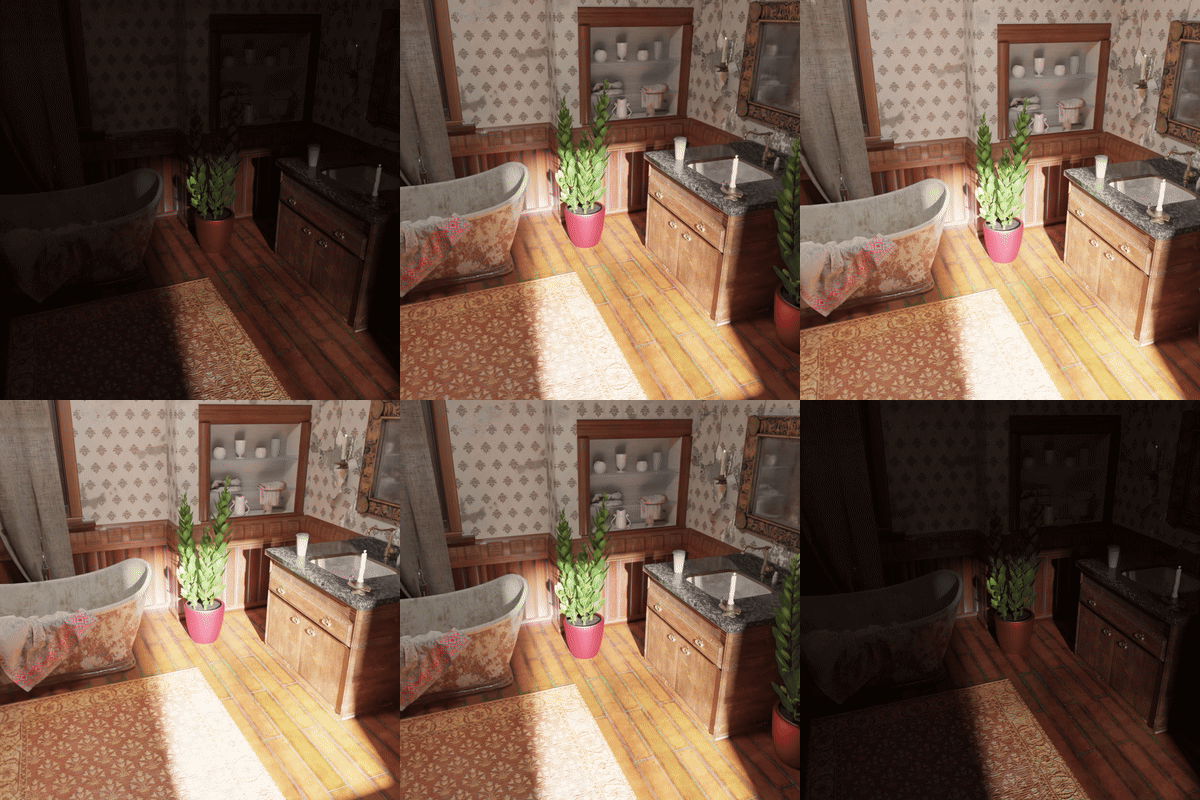 |
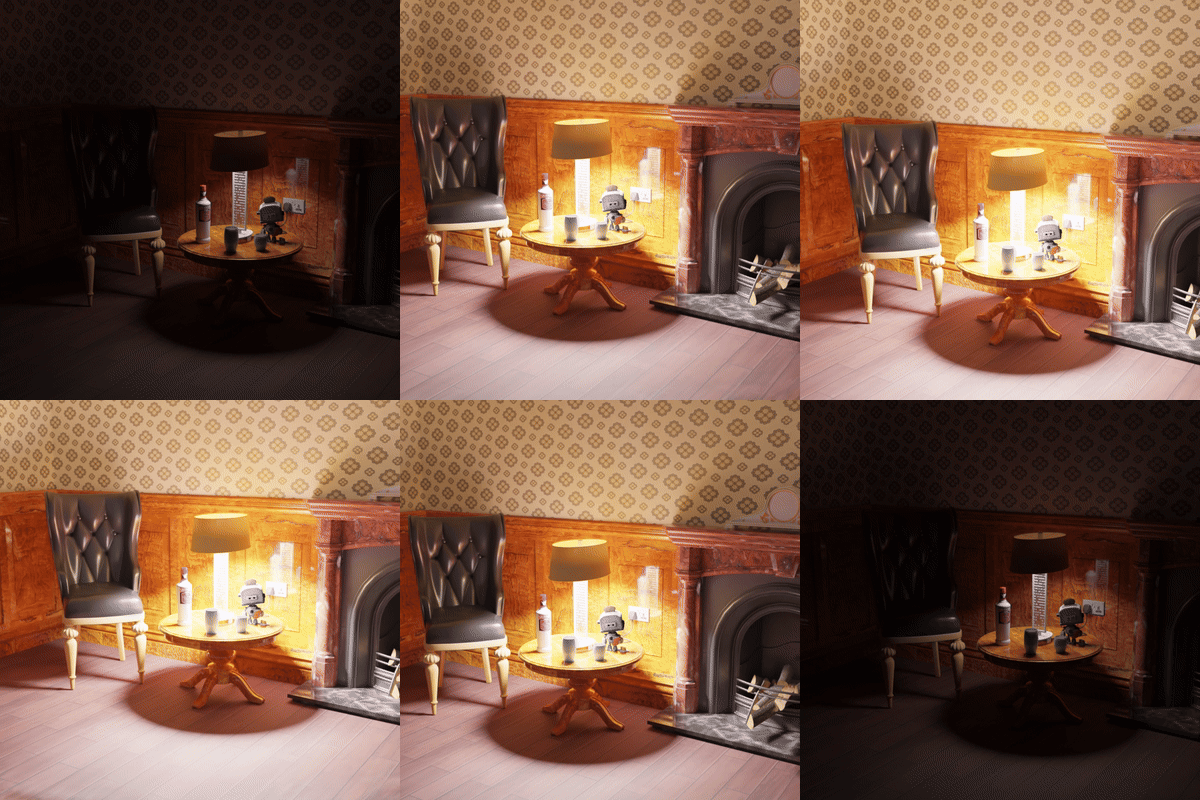 |
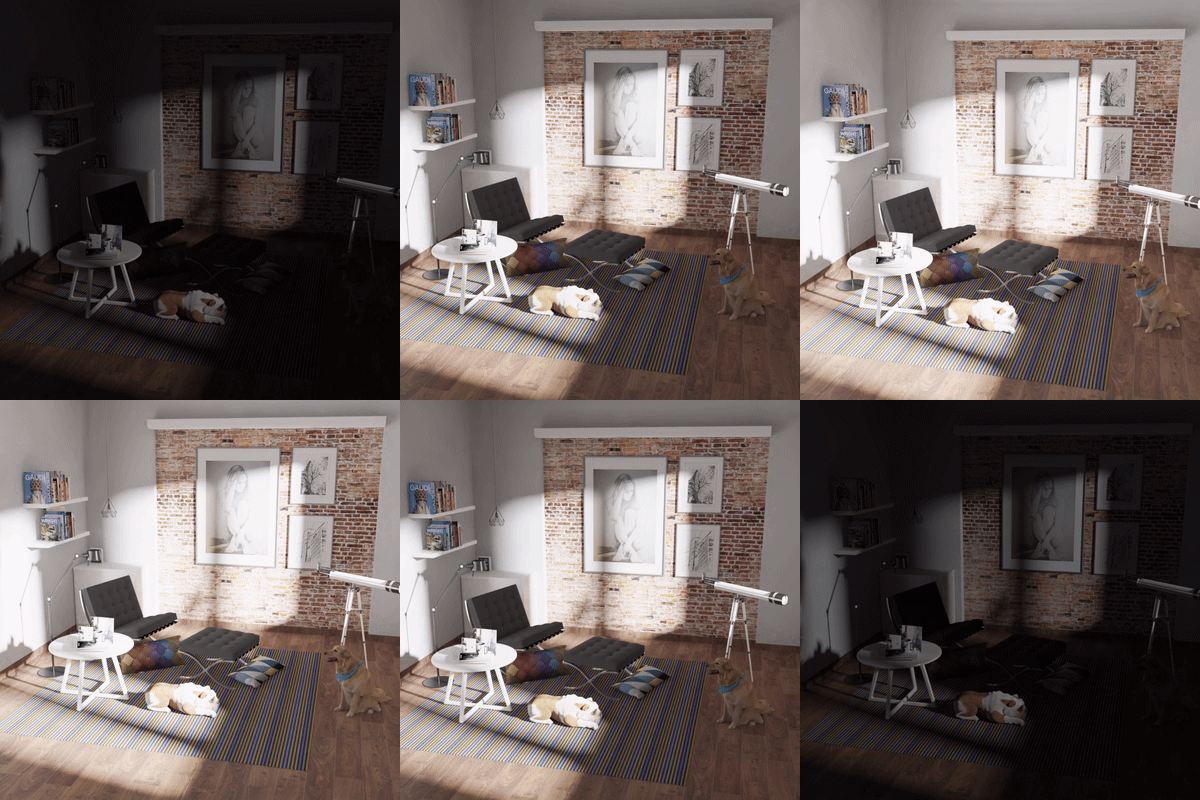 |
Bathroom |
Chair |
Dog |
 |
 |
 |
Bear |
Desk |
Sponza |
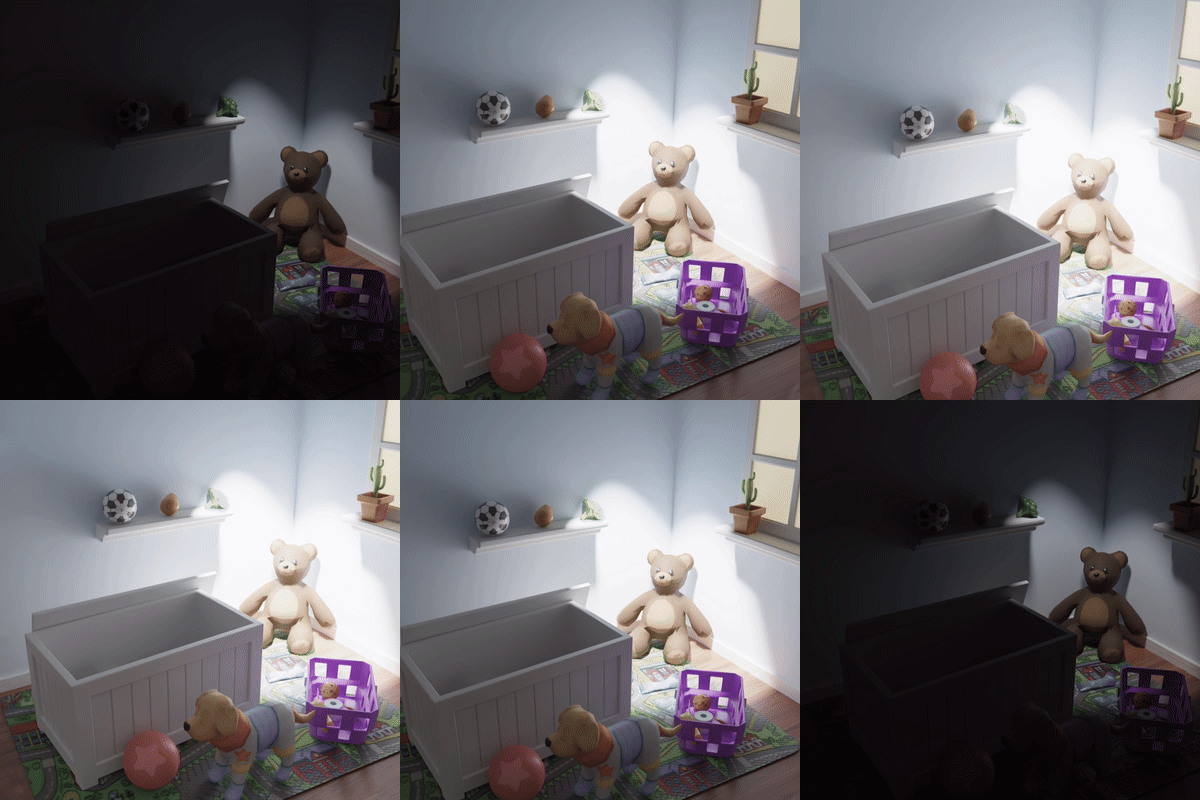
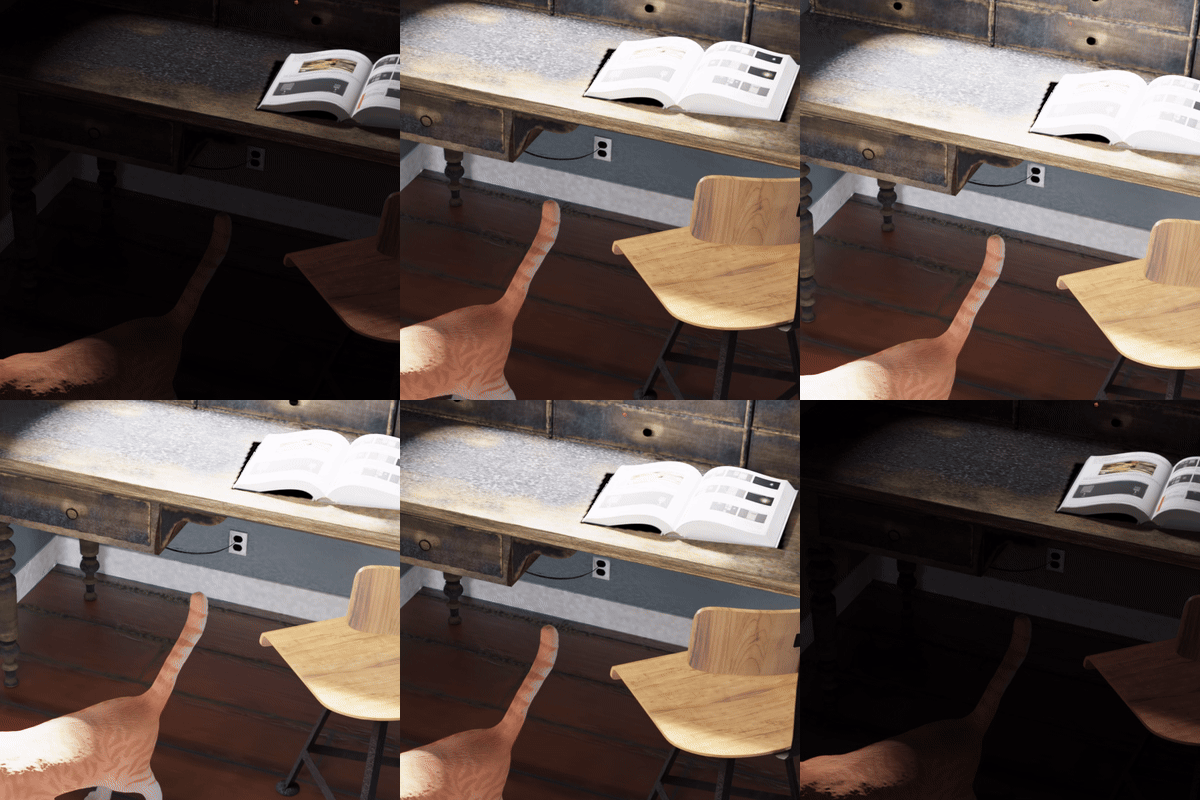
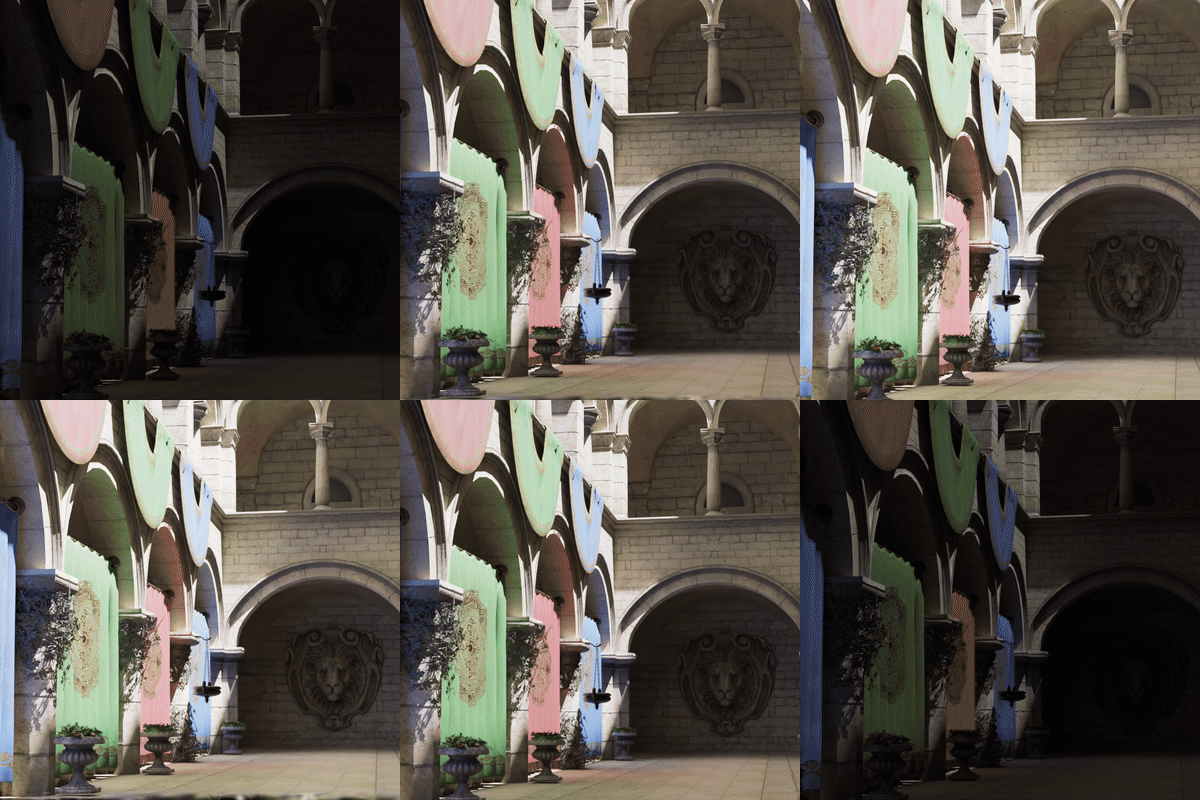
Demonstrations from the official HDR-GS project repository.
HDR-GS (High Dynamic Range Gaussian Splatting) synthesizes novel HDR views and renders LDR views with a user-specified exposure time. The method introduces a Dual Dynamic Range (DDR) Gaussian point cloud model and Parallel Differentiable Rasterization (PDR). It represents HDR color with spherical harmonics and uses an MLP-based tone mapper to produce exposure-dependent LDR color. See the NeurIPS 2024 paper.
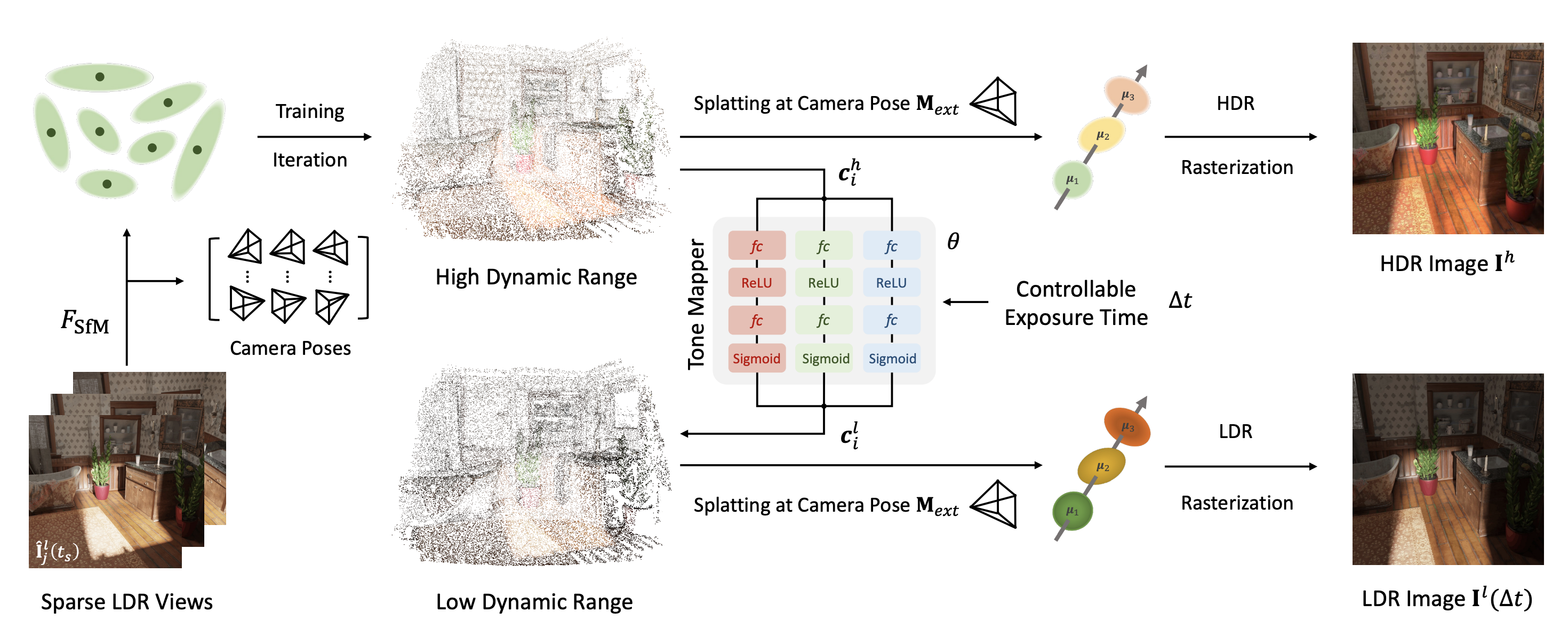
This repository provides scene-specific pretrained Gaussian point clouds and tone-mapping networks. Each pair represents a fitted scene and is loaded using the official HDR-GS code.
| Model directory | Scene | Gaussian representation | Tone mapper | Configuration |
|---|---|---|---|---|
bathroom/ |
Synthetic bathroom | point_cloud.ply |
tone_mapper.pth |
bathroom.yaml |
sofa_2/ |
Synthetic sofa | point_cloud.ply |
tone_mapper.pth |
sofa.yaml |
Use both files from the same model directory. The sofa_2 directory name is the hosted model folder; the matching scene data and code configuration use sofa.
git clone https://github.com/caiyuanhao1998/HDR-GS --recursive
cd HDR-GS
conda env create --file environment.yml
conda activate hdr_gs
pip install huggingface_hub
Follow the official setup instructions for platform-specific requirements. The project uses CUDA and Gaussian rasterization extensions.
Run from the project root:
from huggingface_hub import snapshot_download

snapshot_download(
    repo_id="CaiYuanhao/HDR-GS",
    allow_patterns=["bathroom/**"],
    local_dir="pretrained_weights",
)

snapshot_download(
    repo_id="CaiYuanhao/HDR-GS",
    repo_type="dataset",
    allow_patterns=["synthetic/bathroom/**"],
    local_dir="data_hdr",
)
The expected local layout is:
HDR-GS/
├── config/bathroom.yaml
├── data_hdr/synthetic/bathroom/
│   ├── images/
│   ├── exr/
│   └── sparse/0/
└── pretrained_weights/bathroom/
    ├── point_cloud.ply
    └── tone_mapper.pth
python3 train_synthetic.py \
    --config config/bathroom.yaml \
    --eval \
    --gpu_id 0 \
    --syn \
    --load_path pretrained_weights/bathroom \
    --test_only
--load_path points to the directory containing both point_cloud.ply and tone_mapper.pth. The scene data supplies the cameras and reference images used by the evaluation pipeline. The test-only path runs video inference and evaluation; results are written to the run's output directory.
For the sofa model, download sofa_2/** from the model repository and synthetic/sofa/** from the dataset repository, then run:
python3 train_synthetic.py \
    --config config/sofa.yaml \
    --eval \
    --gpu_id 0 \
    --syn \
    --load_path pretrained_weights/sofa_2 \
    --test_only
Train a new scene model with its matching configuration:
# Synthetic scene
python3 train_synthetic.py --config config/bathroom.yaml --eval --gpu_id 0 --syn

# Real scene
python3 train_real.py --config config/flower.yaml --eval --gpu_id 0
The released bathroom and sofa configurations specify 30,000 training iterations, Gaussian optimization and densification settings, and separate tone-mapper learning rates. Their render_video and video_render_exps options configure the spiral video and exposure range. See the scene configurations and testing instructions.
Saved scene models contain point_cloud.ply and tone_mapper.pth together under the run's point_cloud/iteration_* directory. Point --load_path to that directory to render a trained model.
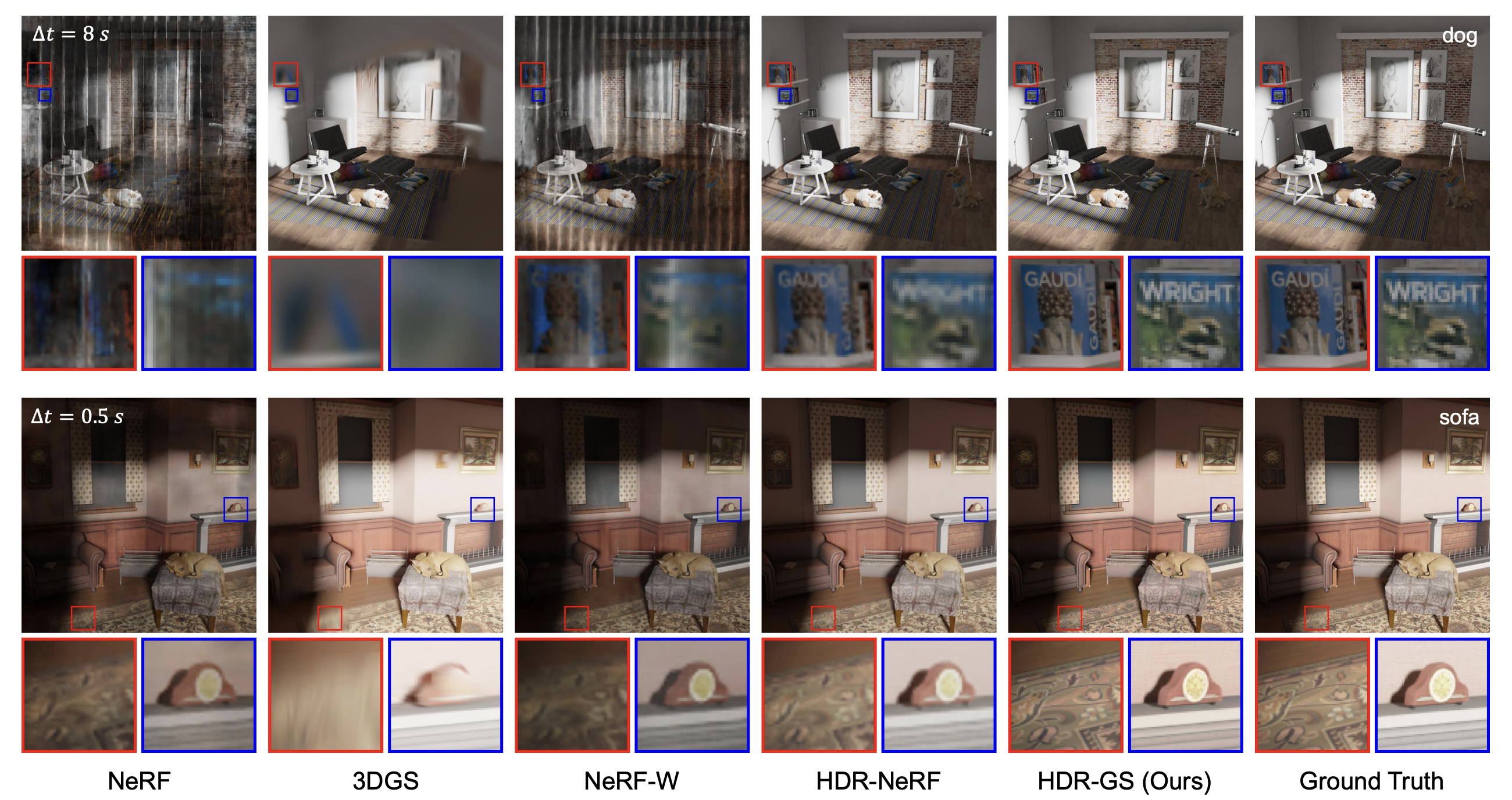
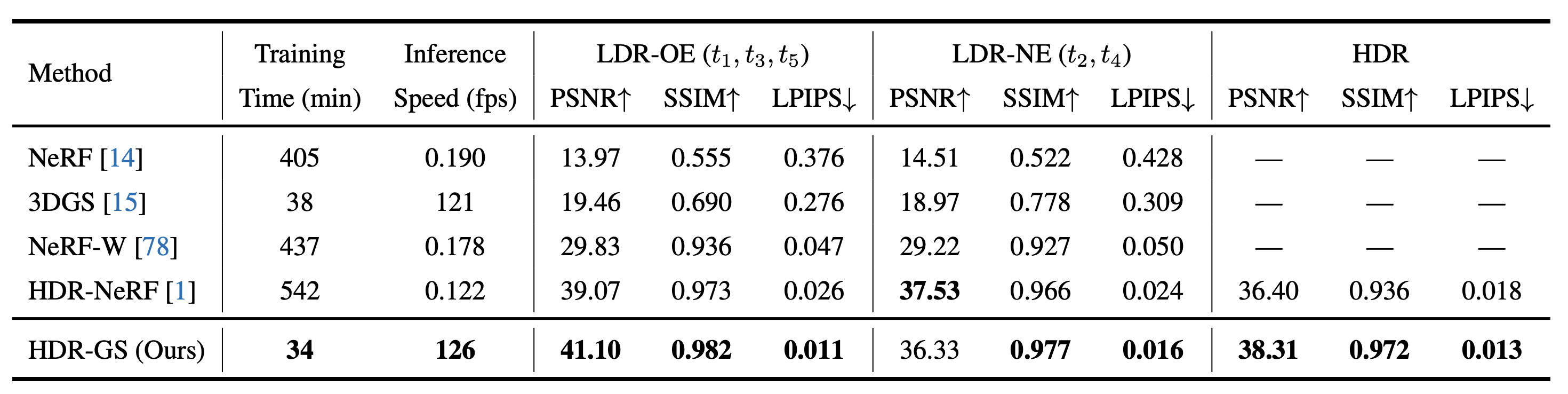
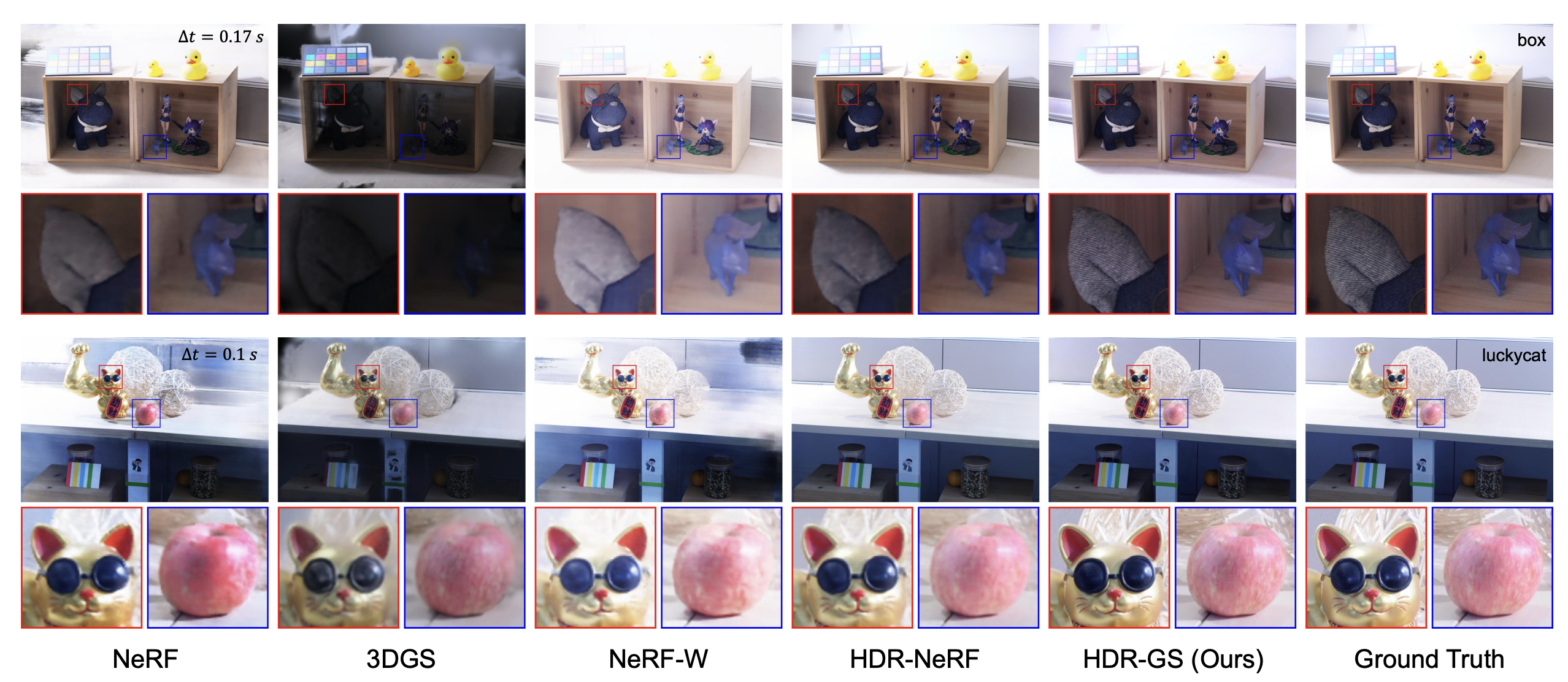
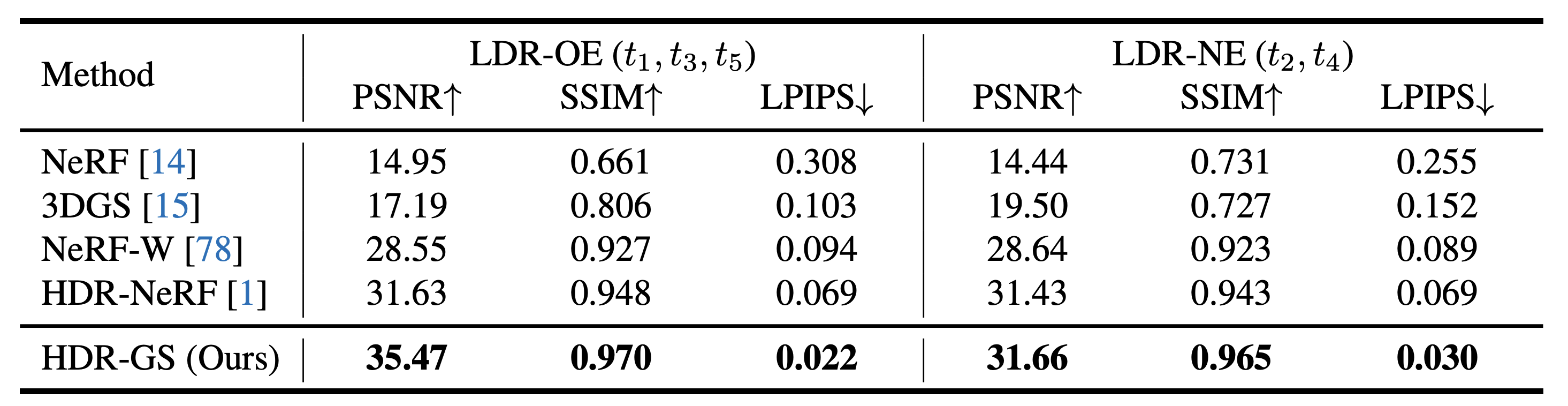
Figures are reproduced from the official project and report the original experiments.
Interactive comparisons: Bathroom · Chair · Diningroom · Dog · Sofa · Sponza
@inproceedings{hdr_gs,
  title={HDR-GS: Efficient High Dynamic Range Novel View Synthesis at 1000x Speed via Gaussian Splatting},
  author={Yuanhao Cai and Zihao Xiao and Yixun Liang and Minghan Qin and Yulun Zhang and Xiaokang Yang and Yaoyao Liu and Alan Yuille},
  booktitle={NeurIPS},
  year={2024}
}