

ComfyUI workflows
Public workflows from COMFYUI 4 NOOBS. Each JSON in this repo is free to download.
Drop a file into ComfyUI, then follow the tutorial linked on that workflow.
Community: COMFYUI 4 NOOBS on Skool
Workflows
| Workflow | File | Tutorial |
|---|---|---|
| Create a MiniMax H3 RefMod | CREATE-REFMOD-WF.json | YouTube Short |
Create a MiniMax H3 RefMod
Builds a MiniMax H3 RefMod in ComfyUI from a reference image. The saved graph is set up as an identity RefMod (Full Reference, preset identity_encode) and writes the result as a bundle.
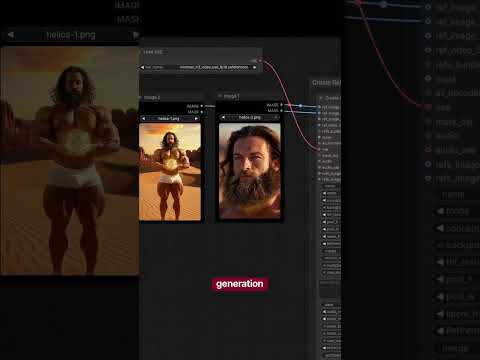
Tutorial: How to use this workflow
File: CREATE-REFMOD-WF.json
You need:
- ComfyUI with MiniMax H3 support
- ComfyUI-MiniMaxH3Mod (
MiniMaxH3RefModMasterExtract) - rgthree-comfy (group bypasser and labels)
minimax_h3_video_vae_fp16.safetensorsminimax_h3_audio_vae_fp32.safetensorswhen you turn the audio path on
In this file:
- Image 1 is the active reference. It feeds
refs_image.ref_image_0. - Image 2, Image 3, Image 4, and the audio loader are in the graph and bypassed. Turn one on when you want another image, a video reference, or a voice.
- The video VAE loader is active. The audio VAE loader is bypassed with the audio input.
- Downloads last month
- -
Inference Providers NEW
This model isn't deployed by any Inference Provider. 🙋 Ask for provider support