

🌟 NovaFace-DiT (512x512)
NovaFace-DiT is a Multimodal Diffusion Transformer (MM-DiT) model trained entirely from scratch for high-fidelity human face synthesis. It leverages the powerful Rectified Flow Matching technique and is deeply inspired by the Stable Diffusion 3 architecture.
Despite being trained on a highly constrained hardware setup (a single consumer-grade GPU) and a highly curated dataset (70,000 images from FFHQ), NovaFace-DiT demonstrates the incredible efficiency and scaling capability of the custom MM-DiT architecture.
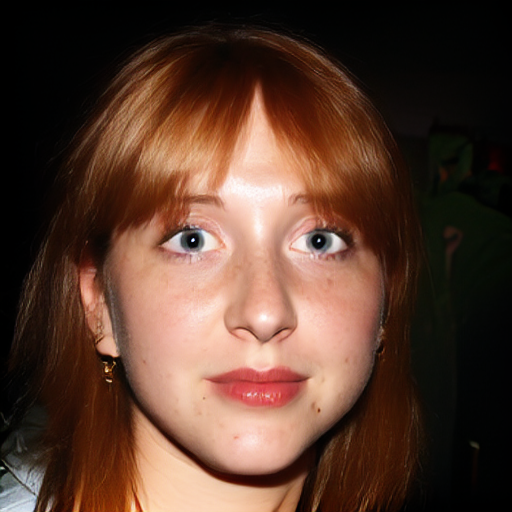 |
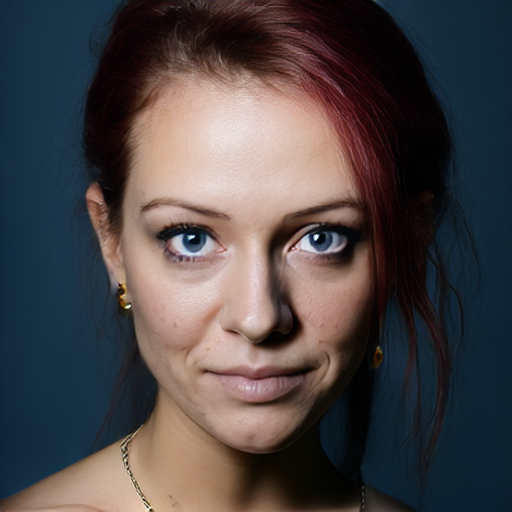 |
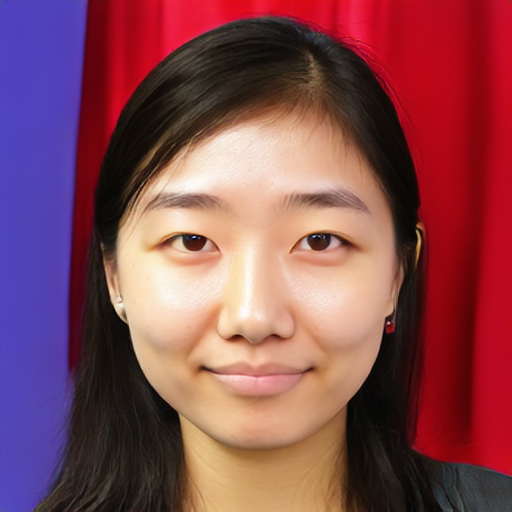 |
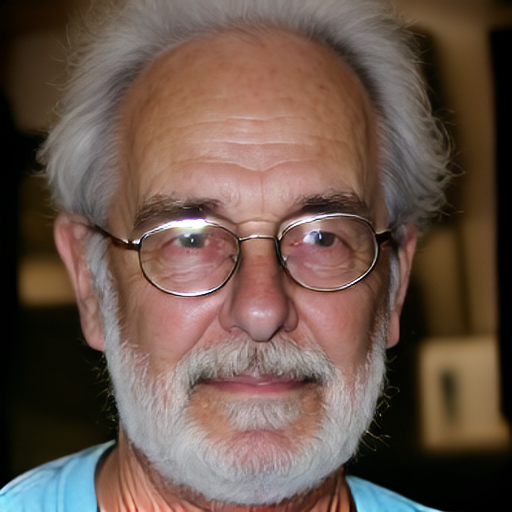 |
📊 Model Details
- Model Type: Text-to-Image Diffusion Transformer (MM-DiT)
- Parameters: ~260 Million
- Text Encoder: T5-Base (768-dim)
- Latent Space: Custom 8-channel VAE (f8)
- Training Dataset: FFHQ (Flickr-Faces-HQ)
- Resolution: 512x512
- License: Creative Commons BY-NC-SA 4.0 (Non-commercial)
⚡ Requirements & Custom VAE
NovaFace-DiT operates in an optimized 8-channel latent space and requires our custom-trained Autoencoder (VAE) to decode images properly. Standard SDXL or SD3 VAEs are not compatible.
👉 Download the Custom 8-Channel VAE here (Note: Please download this VAE to generate images)
🚀 How to Use (Code & UI)
This repository contains only the model weights (.safetensors). To actually generate images, inspect the architecture, or resume training, please visit our official GitHub repository which contains a full production-ready Gradio UI and training pipeline.
🔗 Official GitHub Repository: devbnamdar/MM-DiT-From-Scratch
Quick Setup:
- Clone the GitHub repository.
- Download the
NovaFace-DiT.safetensorsfrom this Hugging Face page and place it in your localcheckpoints/directory. - Download the Custom VAE from its separate repository and place it in your local
vae_models/directory. - Launch the Gradio app:
python gradio_ui/app.py
- In the Gradio UI, go to the "⚙️ Settings" tab, enter the path to your downloaded model (e.g.,
checkpoints/NovaFace-DiT.safetensors) in the "Base Model Path" field, and click "Load Models to GPU".
⚠️ Limitations and Bias
- Domain Specific: This model was trained exclusively on the FFHQ dataset. It is highly specialized in generating human portraits (shoulders and above). It is not designed to generate landscapes, animals, or full-body shots.
- Text Rendering: The model does not generate legible text or complex typography.
- Bias: As the model is trained on FFHQ, it may inherit demographic or lighting biases present in the original dataset.
📄 Citation
If you use this model or the accompanying codebase in your research or projects, please cite:
@misc{namdar2026mmdit,
  author       = {Namdar, Bunyamin},
  title        = {MM-DiT From Scratch: High-Fidelity Diffusion Training on Limited Dataset},
  year         = {2026},
  publisher    = {GitHub},
  url          = {https://github.com/devbnamdar/MM-DiT-From-Scratch}
}